Tachograph software for operators
TachoAssist gives transport managers one place to manage drivers and vehicles.
Spot repeated issues, debrief drivers and keep a record of the action taken — important for DVSA compliance and OCRS.
Analyse drivers’ hours under assimilated rules, Working Time (WTD) and Mobility Package requirements for your operating context.
Tachograph software for transport managers
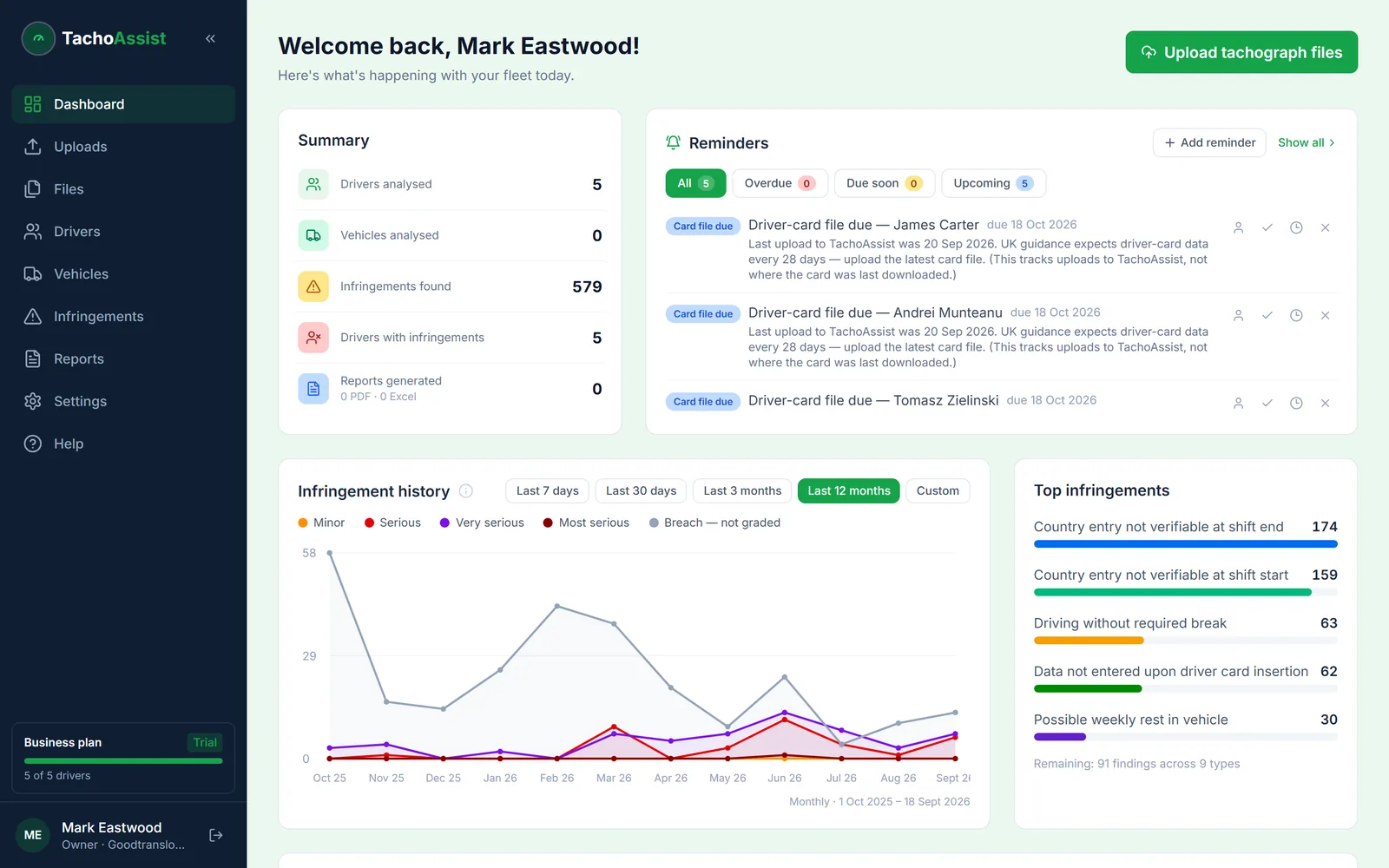
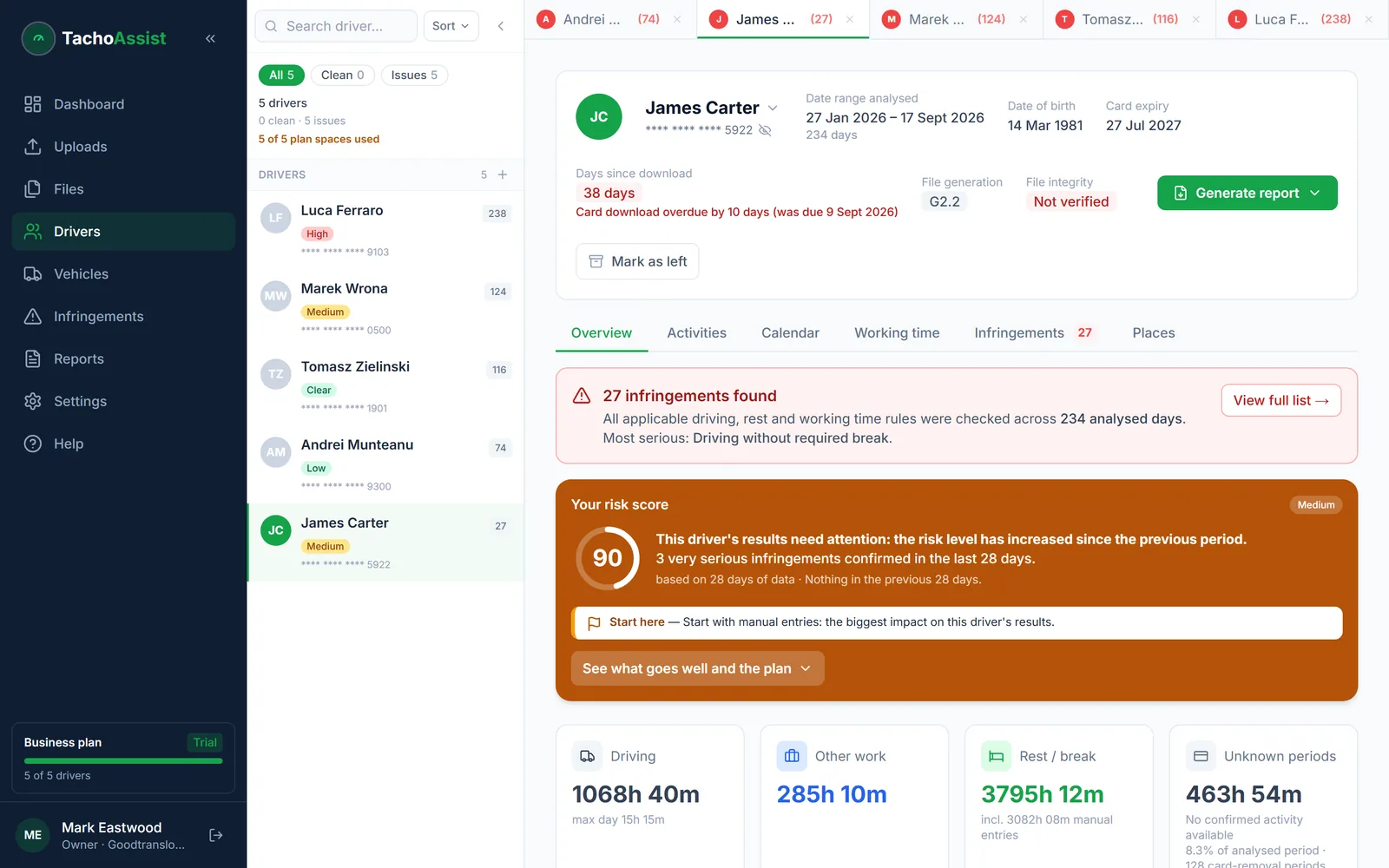
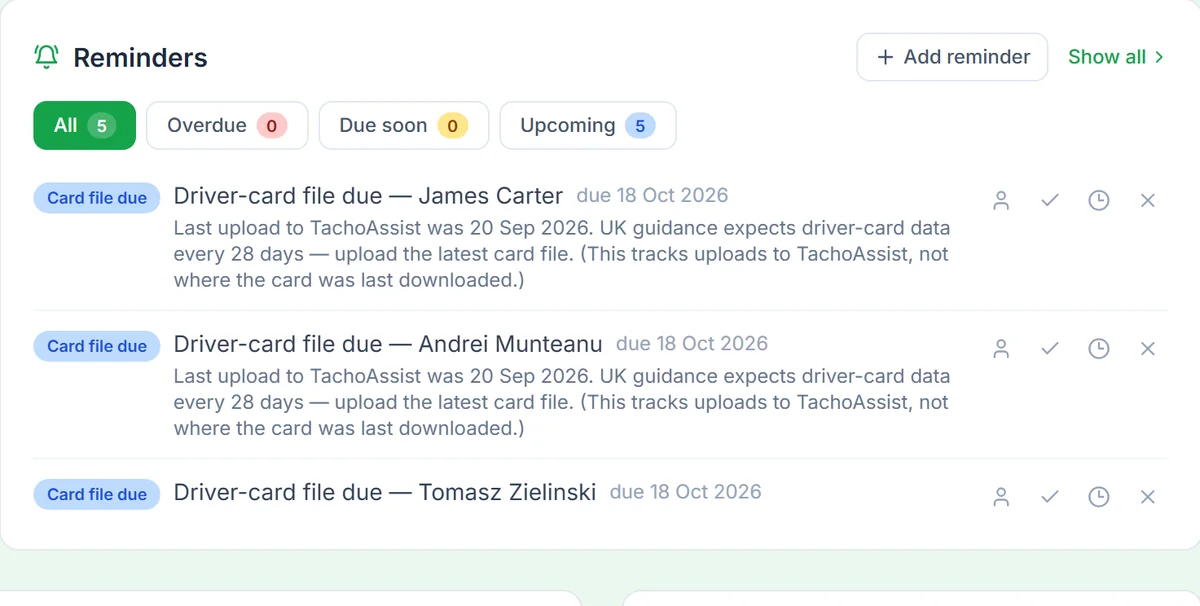
See which drivers need attention, which downloads are due and what was done about earlier infringements — without opening files one by one.
Tachograph software for hauliers
Keep all your driver card and vehicle unit data in one workspace. Pay per driver analysed, with no seats or driver packs to buy in advance.
For agency and occasional drivers
Check an unfamiliar card before the shift and pay only in months when that driver’s data is analysed.
Tachograph software for fleet managers
Card expiry dates, downloads due and the drivers who need attention, for the whole fleet on one dashboard.
Tachograph software for HGV operators
Whether you run a handful of HGVs or a large fleet, you pay for each driver analysed in the month. Vehicles and VU analysis are included.
Tachograph analysis software for UK operators
Set the UK as your operating country once: the checks follow assimilated rules and Working Time (WTD), with the Mobility Package for international work.
Tachograph infringements
Drivers needing attention
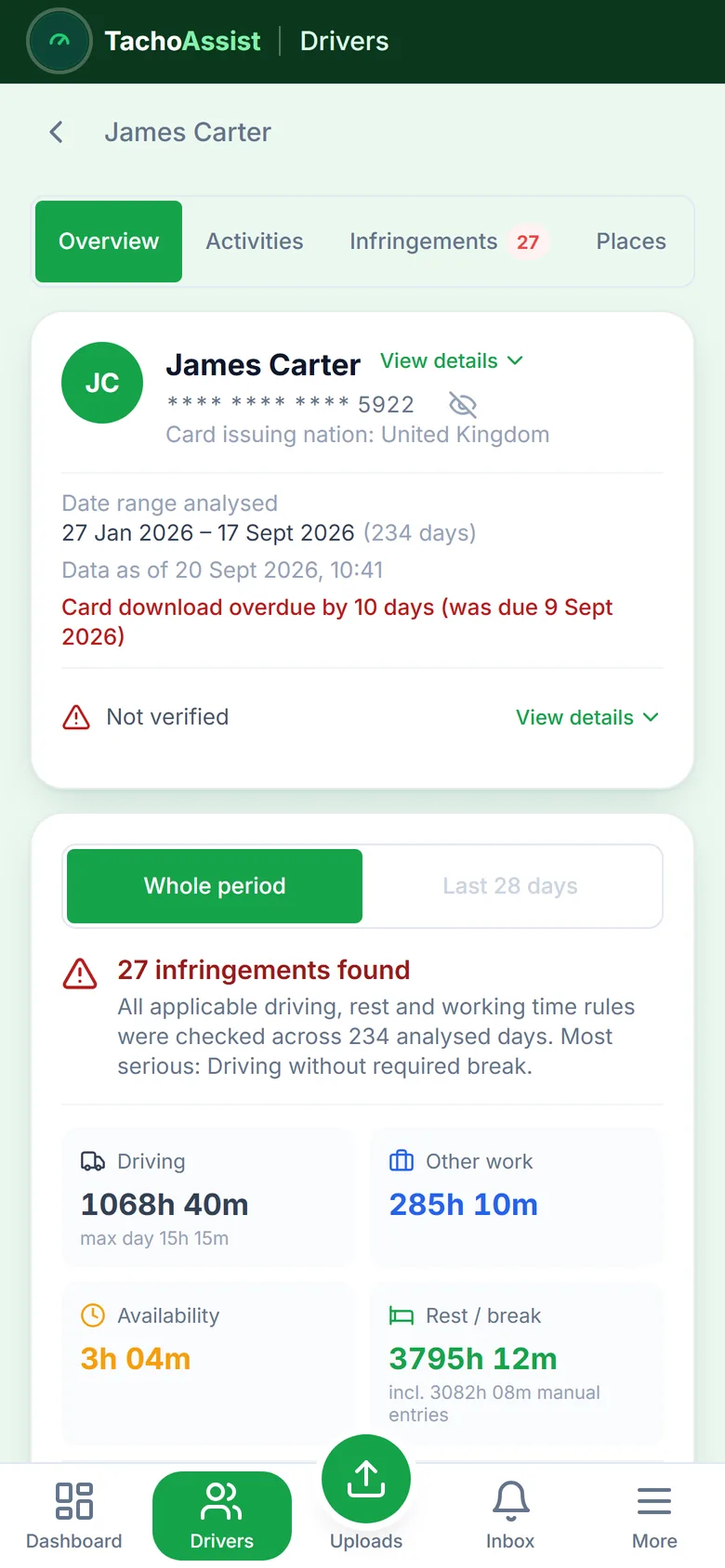
See which drivers need attention first, using their risk scores, the severity of recent infringements and recurring issues.
Driver infringement reports
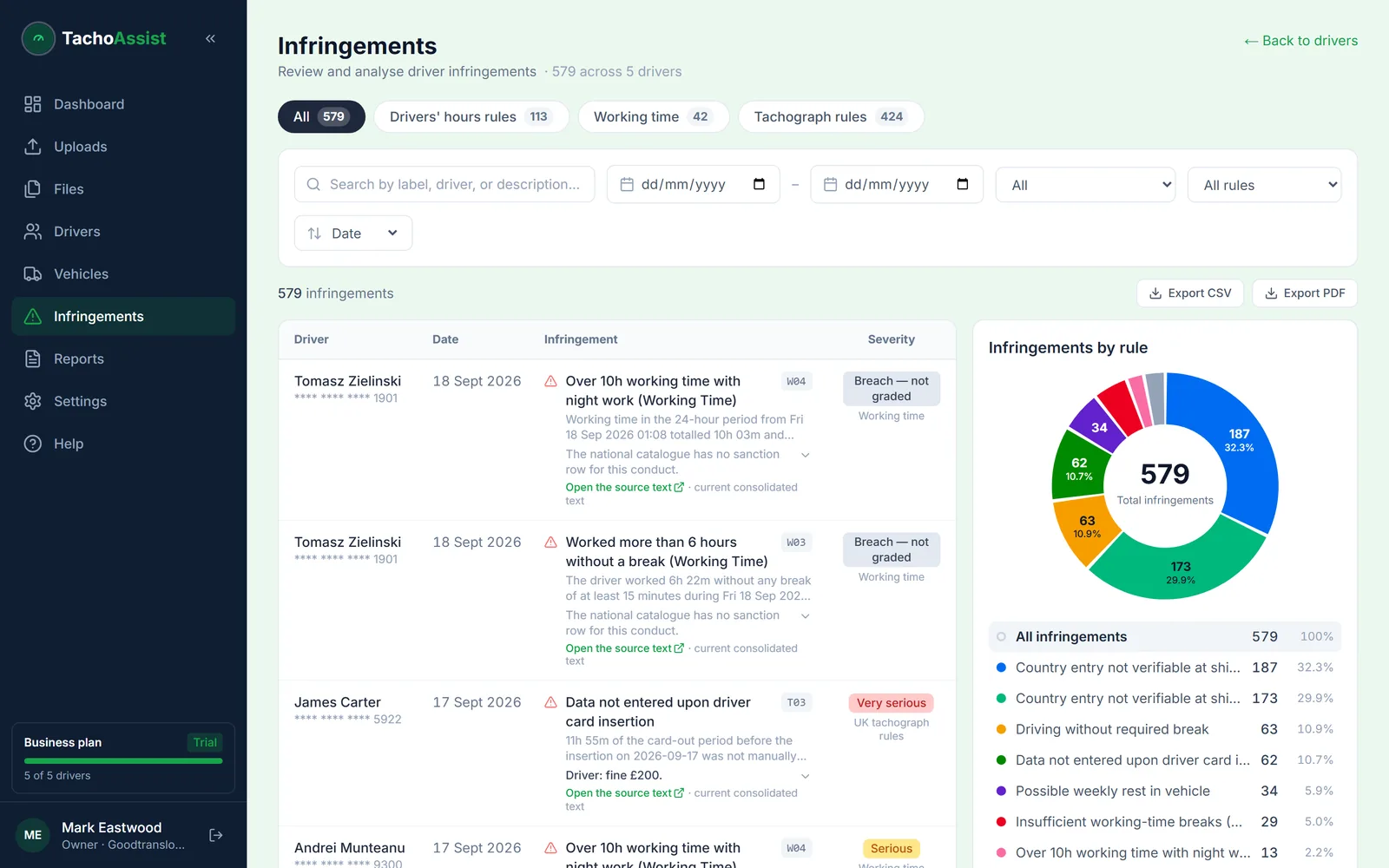
Filter by driver, date or rule to spot repeated issues, then export the report to PDF or Excel.
Minor to most serious
Infringements are graded minor, serious, very serious and most serious (MI, SI, VSI, MSI), the classification set by assimilated Regulation (EU) 2016/403.
Driver cards and vehicle units
Driver card analysis
See the driver’s day, week and timeline: driving, other work, availability, breaks, rest, country entries and infringements in context.
Vehicle unit (VU) analysis
See recorded drivers, events, faults and places, checked against card activity.
Drivers’ hours software for UK and EU rules
Checks EU and assimilated GB drivers’ hours, Working Time (WTD), tachograph rules, domestic rule sets for the UK and all 27 EU member states, and the Mobility Package.
Online tachograph analysis — no tacho software to install
Upload a file and read the analysis in the same browser window. There is nothing to install or update on office computers.
Tachograph download software: card reader, upload and API
Read driver cards with the free TachoAssist Card Reader for Windows and Android and any standard USB reader, and send the file straight to your workspace. Upload card and VU files yourself or send them through the API. Vehicle unit data still comes from your download key or remote download.
Fleet tachograph management in one workspace
Keep all your fleet’s driver card and vehicle unit files together, with the last download date, analysis and original file easy to find.
Driver debrief software
Driver debrief: from the infringement report to a signed record.
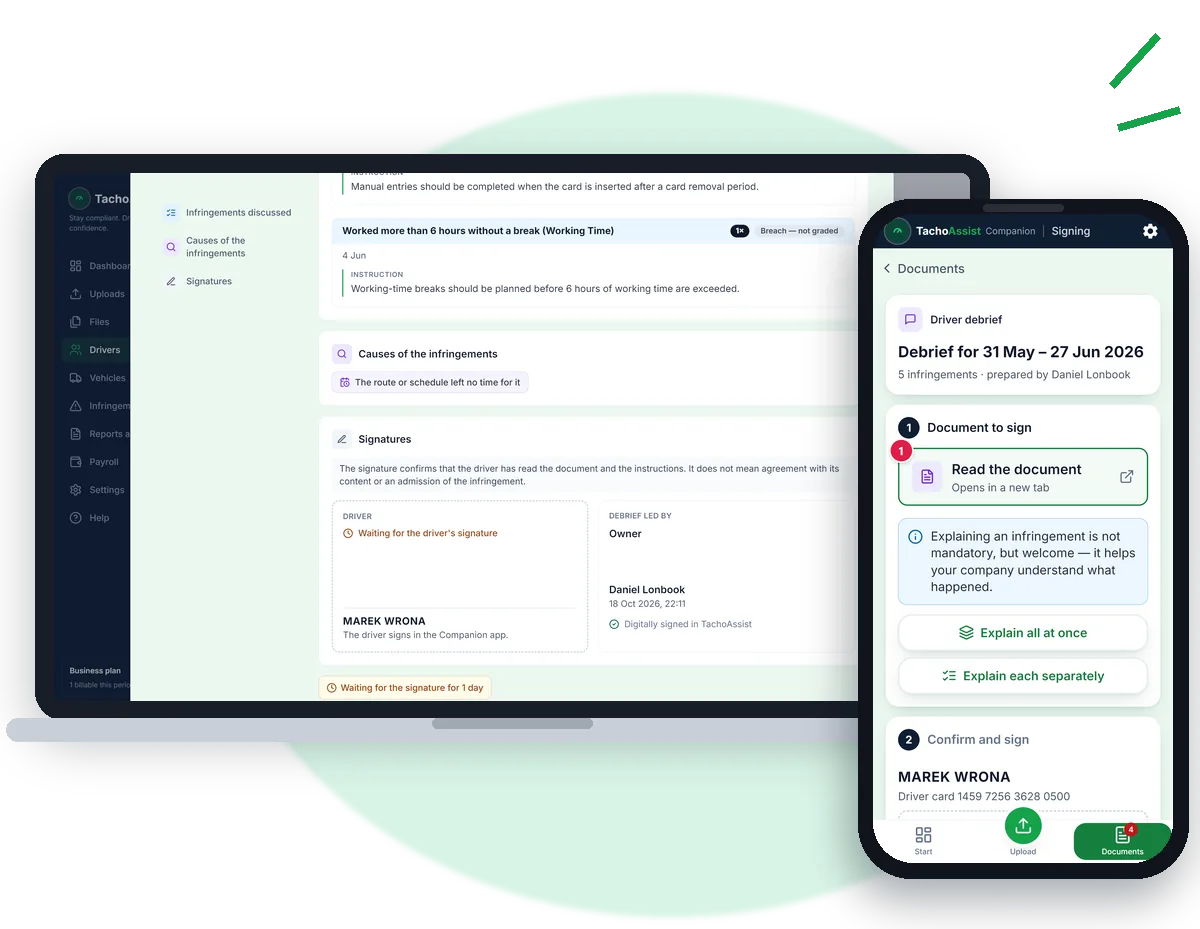
Send the debrief straight to the driver’s phone instead of printing and filing a letter. TachoAssist adds an instruction for each rule; the driver reads it, can add an explanation and signs in the Companion app. The signed document stays in your records.
No printing or chasing signatures.
- Invite the driver once from their page using their name and email.
- Start a driver debrief. The last 28 days are selected by default.
- Select the cause. An instruction is already prepared for each rule.
- Sign and send. The document appears in the driver’s Companion app immediately.
- The driver reads the instructions, can add an explanation and photos, then signs on the phone. The document is saved under Reports and documents → Driver debriefs.
The signature confirms that the driver has read the document and instructions; it is not an admission of the infringement. Debriefs are available in 15 languages.
Driver performance, debrief by debrief
Signed debriefs can be filtered by driver under Reports and documents, and repeated infringements raise a driver’s risk score. Together they show whether the same issue comes back after a debrief.
A driver infringement policy, applied the same way
Whatever your driver infringement policy says about warnings and retraining, every step leaves a dated record: the infringement, the instruction for that rule, the driver’s explanation and the signature.
Instead of a driver infringement letter template
There is no letter to fill in. The debrief is built from the infringements found, with the instruction for each rule ready, and the driver signs it in the Companion app.
Daily walkaround checks
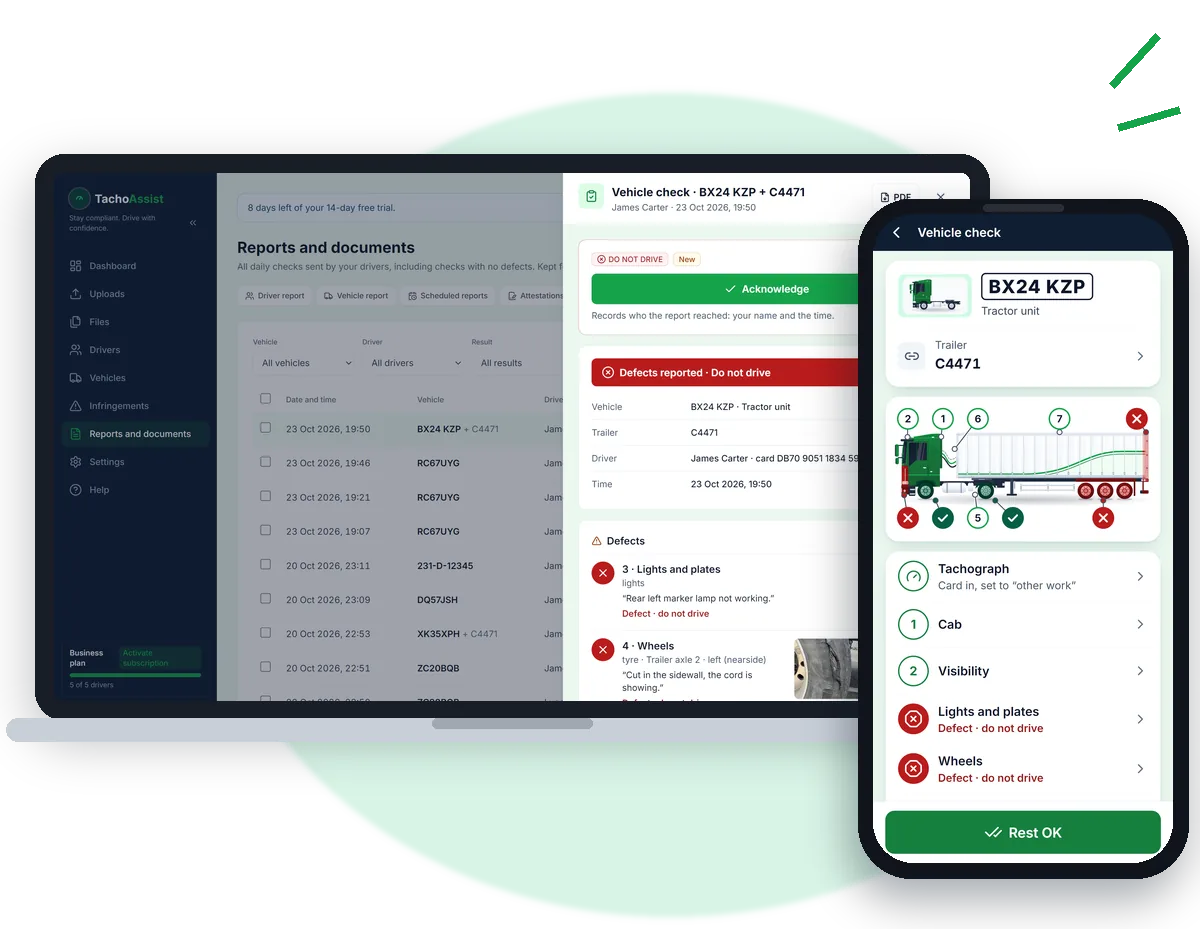
Follow the check step by step, report defects with photos and record whether the vehicle is safe to drive. A nil-defect check takes less than a minute.
Completed checks and defect reports are saved automatically in your workspace, ready for your maintenance records.
Nothing extra to install.
Operator licence compliance
TachoAssist keeps that trail in one place and helps you show it:
- the infringements, with dates, rules and severity;
- the debrief, with an instruction for each infringement and the driver’s explanation;
- the driver’s signature from the Companion app;
- the reports and attestations, kept with the original files.
Infringements found and dealt with in your own analysis do not form part of your OCRS score.
TachoAssist is not a DVSA Earned Recognition validated IT supplier and does not send KPI data to DVSA.
Deadlines and records
- Card expiry dates and download reminders on the dashboard.
- Tachograph records kept for at least 12 months and WTD records for two years.
- DVSA guidance says downloaded data has to be analysed, not just stored.
- You decide on retention, archiving and deletion.
Agency cover
You are billed only in months when that driver’s data is analysed.
UK and EU work
Mobility Package
Covers border crossings, the international derogation, weekly rest compensation and rest on a ferry or train, with an optional return-home check (Art. 8(8a)).
Border crossings
Country entries and border crossings on the driver or vehicle map, taken from the tachograph records. Not live tracking.
Groups
Group drivers and vehicles by depot, team, region or contract. The records themselves stay unchanged.
Around the analysis
Reports, reminders and records.
Scheduled reports
Save a driver or vehicle report as recurring, then run the next one from the reminder on your dashboard.
Attestation of Activities
Where manual entries leave a gap, choose the reason and generate the official EU form prefilled in any of 23 languages.
File history and API upload
Original uploads and report history, with retention controls. Files can also come in through the API.
Walkaround checks
Drivers send their daily vehicle check from the Companion app: a nil defect report or a defect with photos.
Passenger transport
- Breaks can be split into two parts of at least 15 minutes each, totalling 45 minutes.
- On services lasting six days or more, daily rest can be taken within 25 hours if driving that day does not exceed 7 hours.
- The 12-day rule (Art. 8(6a)) allows weekly rest to be postponed for up to twelve 24-hour periods after a regular weekly rest.
- In a mixed fleet, each driver can follow the account-wide setting or a separate setting for coach or lorry rules.
- TachoAssist warns you if a driver card shows a passenger vehicle while coach rules are switched off.
For UK profiles, the setting only changes the passenger night period to 01:00–05:00, as in Ireland. Relevant findings remain listed and marked for confirmation against the journey form.
Moving from another system? See our Tachomaster alternative and Tachogram alternative comparisons, based on the prices and features each company publishes.