Windows
Windows 10 or 11, 64-bit. No installer: unzip and run.
Download for WindowsFree tachograph card reader app · Windows and Android
Plug a USB smart-card reader into your Windows PC or Android phone and insert the driver card. The app reads it automatically. Sign in to send the file directly to your TachoAssist workspace, or save it on your device.
It is free, there is no trial to run out, and there is nothing to buy: no account is needed to read a card and save the file, and most standard USB smart-card readers already do the job, so the one you or your workshop already own is usually enough. TachoAssist Card Reader reads tachograph driver cards with a USB reader; an experimental Bluetooth download from smart tachographs is in beta.
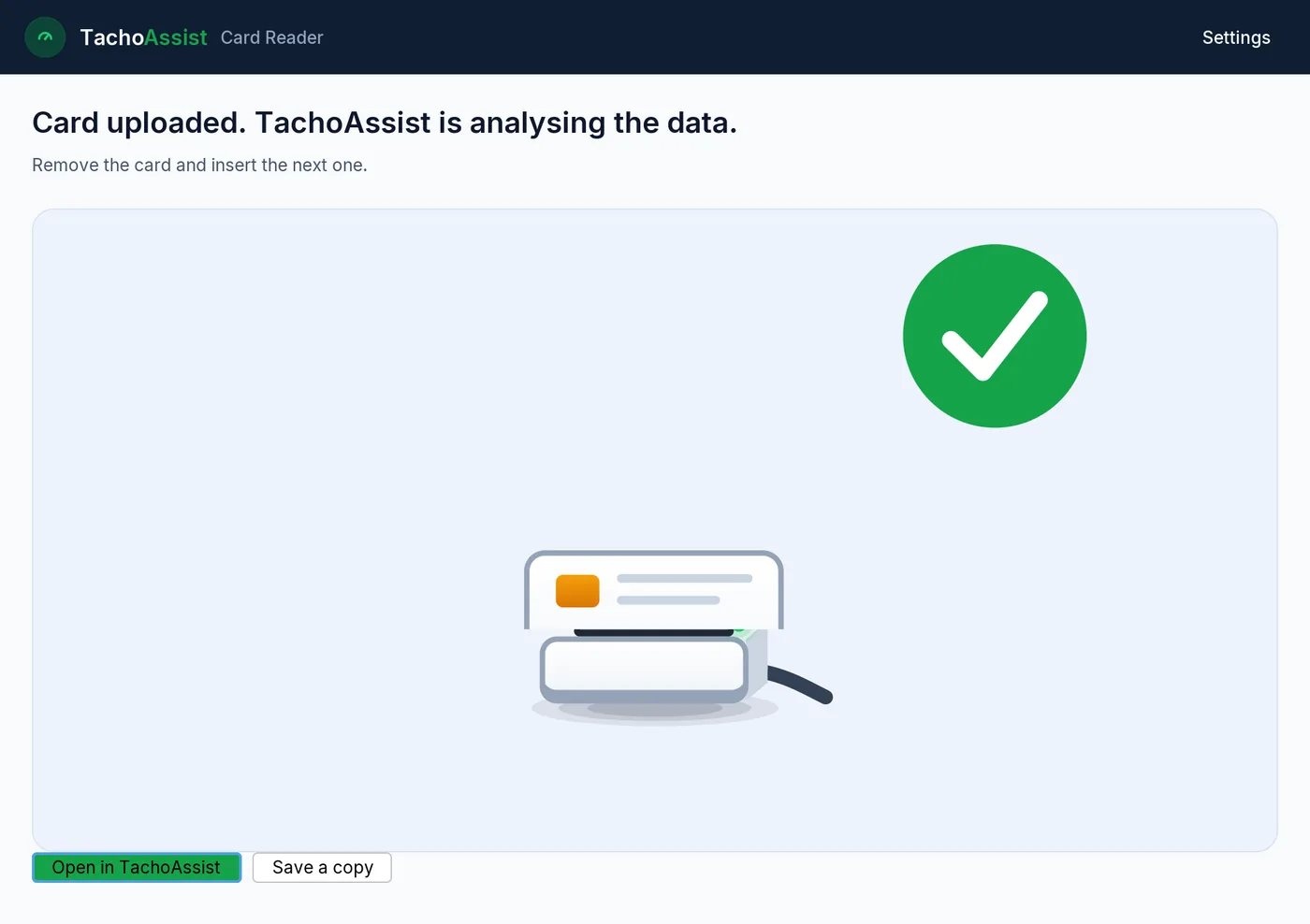
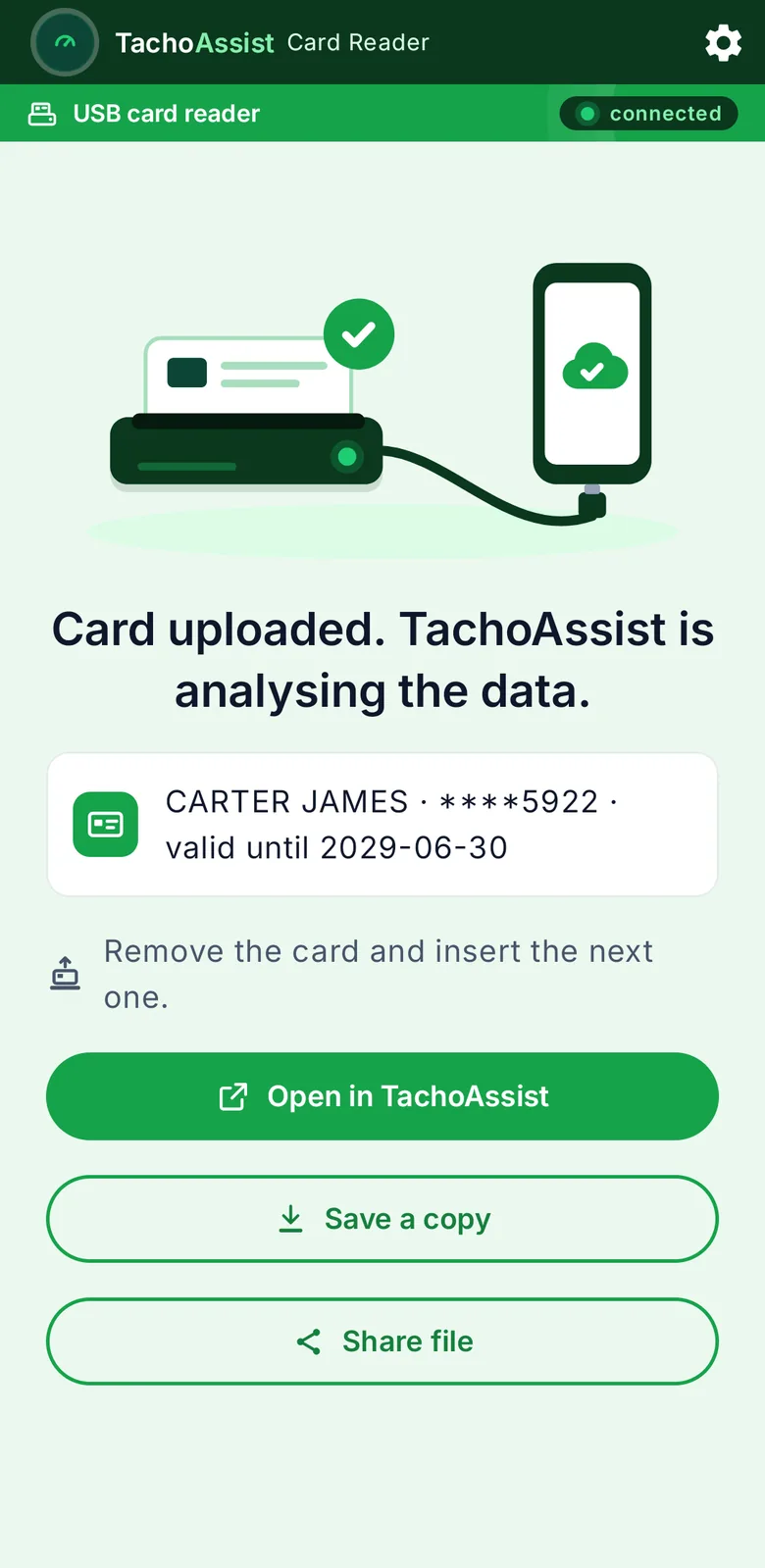
Read your driver card with any standard USB reader and save it as a .ddd file — free, no account needed.
Version 1.0.5 · 9 September 2026 · Free to use · no account required for reading and saving files.
Windows 10 or 11, 64-bit. No installer: unzip and run.
Download for WindowsAndroid 8.0 or newer with a USB-C port (an OTG adapter works for older phones).
Download for AndroidDownload your driver card or vehicle data from the tachograph using your phone’s Bluetooth.
Download (experimental) Read moreYou can pin the app to your taskbar for easier access.
When updating, install the new version over the existing one; there is no need to uninstall it first. One exception: the build of 9 September 2026 (version 1.0.5) was signed with a key we no longer use, so Android refuses to update it and shows “App not installed”. If you have that version, upload or save a copy of any files still waiting in the app, uninstall it, and install the new version. Every version from then on updates in place again.
Windows needs no separate driver for a standard CCID reader: the class driver that ships with Windows 10 and 11 handles it, and the device is normally ready as soon as it is plugged in. Android needs no driver either, but it does ask for permission the first time a USB accessory is connected.
On Android, saved files are also available in your Downloads folder.
A whole card takes well under a minute to read, so the download the rules require at least every 28 days is a one-minute job at the kitchen table or in the cab rather than a trip to the transport office. What comes out is the ordinary, digitally signed tachograph file — the same .DDD your analysis software, your transport manager or an enforcement officer expects to see.
You do not need a TachoAssist account to read a driver card or save the .DDD file.
Signing in is only required if you want to send the file directly to your TachoAssist account for analysis.
The app also works offline.
Until you send it, the file stays on the device you read it with. Sending it is a deliberate act, and it goes to the workspace you signed in to and nowhere else. A driver card file is personal data about a named driver, so treat it the way you would treat a payslip.
You do not need a company card or a download key to read a driver card. A compatible standard smart-card reader is enough — you do not need to buy hardware from us.
No. TachoAssist Card Reader is built for driver cards. It checks the card type before producing a file, and a company, workshop or control card is detected and the read is stopped rather than turned into a download.
Most standard USB smart-card readers (CCID) should work.
Tested readers include:
On Android, make sure you use a USB-C cable or OTG adapter that supports data transfer. Charging-only cables will not work.
The technical requirement is a PC-SC / ISO 7816 reader — the same class of device sold for online banking and national ID cards, which is why a reader bought for something else usually works here. A driver card answers ordinary ISO 7816 commands, so no vendor can lock it to its own hardware. There is no brand allow-list: on Windows the app talks to any reader through the standard PC-SC layer, and on Android it accepts any reader that presents itself as a USB CCID device, again regardless of brand. A driver card itself always runs the T=0 protocol, which every tested reader supports.
One warning worth reading twice: a driver card is read through the gold contacts on its face, so a reader with no contact slot cannot read it. The ACS ACR122U is the device people buy by mistake for this job, and it will not work with any driver card, in this app or any other. Some Oppo, OnePlus, Realme and Vivo phones also restrict USB accessories at the system level, so a reader that works on one phone can be refused on another.
By default, the app records the download date on the driver card, just like standard tachograph download tools. This resets the card’s download reminder.
You can disable this option in Settings.
What is written is a download record: that a download happened, and when. The activity data on the card is not altered, and the .DDD file is identical either way. The record matters because other tools, and an officer at the roadside, read it as the trail showing the card has been downloaded on time, so switching the write-back off weakens that trail on the card itself. The setting applies to the next read, so you can leave it on as a rule and turn it off for a one-off test read.
Open Settings → Save diagnostics and send the diagnostic file to contact@tachoassist.com.
The diagnostic file contains technical information about the reader and the download process, and no data from the driver card.
Before you write in, three things account for most failed reads: a charging-only USB cable or adapter on Android, a reader with no contact slot, and a card pushed in the wrong way round — the chip goes in first, contacts upward in most readers. If the app never sees the reader at all, unplug it, close the app and start again; on Windows a reader already claimed by another program will not answer a second one.
Reading a card and saving the file is free. The paid service starts with the analysis: turning the records into a driver’s day, checking driving and working time, explaining infringements and keeping the documentation. You can see the plans on the pricing page.
So the split is deliberate. The reader app is free and stays free, on Windows and on Android, with no trial clock and no account needed to read a card and save the file. We sell no hardware and take no cut of anyone else’s. If you never buy analysis from us, the app still gives you the file the 28-day duty needs, in the format everything else in this industry reads.
Driver card data must be downloaded at least every 28 days. In Great Britain that duty now comes through DVSA guidance and the operator-licence undertakings rather than the EU regulation, which was revoked in UK law at the start of 2024; in the EU it is Regulation (EU) No 581/2010. Either way the obligation belongs to the transport undertaking, with the driver obliged to make the card available. An app produces a file; it cannot discharge a duty.
Two intervals are mixed up constantly, so it is worth being blunt. 28 days is the download deadline for a driver card. 56 days is the roadside window — the record a driver must be able to show at a check, the current day plus the previous 56, which was extended from 28 at the end of 2024 and did not change the download interval at all. Vehicle unit data is a third figure again, 90 days in most of the EU, and TachoAssist Card Reader does not read it with a USB reader: a vehicle unit still needs a download key or a remote-download system, or, on smart tachographs version 2, our experimental Bluetooth download with a company card inserted.
Records also have to be kept once they exist — tachograph records for at least 12 months in the UK, working time records for two years — so a card that has been read and then lost is not a card that has been downloaded. The download deadlines are set out in full here.
Questions
Yes. Reading a driver card is a neutral technical operation and the app is simply the tool that produces the file. The duty to download the data and keep it sits with the transport undertaking, and the driver’s duty is to make the card available for downloading. An undertaking must also give a driver a copy of the data downloaded from their card when the driver asks for it. Reading your own card removes none of that.
Only if you send it. The app saves the .DDD file on the device you are using. It uploads a file to a TachoAssist workspace only while you are signed in to that workspace, so the file goes where you sign in and nowhere else. If you never sign in, the app never sends anything.
Most standard USB smart-card readers (CCID / PC-SC) should work; the Generic EMV Smartcard Reader and the ACS ACR39U have both been tested. There is no brand allow-list — on Windows the app accepts any reader through the standard PC-SC layer, and on Android it accepts any reader that identifies itself as a USB CCID device, regardless of make. A driver card is read through the gold contacts on its face, so a reader with no contact slot — the ACS ACR122U is the one people buy by mistake — will not read it at all. On Android the phone needs a USB-C data cable or an OTG adapter, and some Oppo, OnePlus, Realme and Vivo models restrict USB accessories.
No. TachoAssist Card Reader is built for driver cards. It checks the card type before producing a file, and a company, workshop or control card is detected and the read is stopped rather than turned into a download.
No. Reading a card and saving the .DDD file both work offline. A connection is needed only to send a file to a TachoAssist workspace.
By default it records the download date on the card, the way standard tachograph download tools do, which resets the card’s download reminder. It writes a download record; it does not touch the activity data. You can switch it off in Settings before a read, and switching it off does not change the file the app produces.
With a USB reader, no: TachoAssist Card Reader reads driver cards only, and vehicle unit data still comes from your download key or remote download, a separate obligation with its own interval. On smart tachographs version 2, an experimental Bluetooth download of the vehicle unit, with a company card inserted, is in beta.