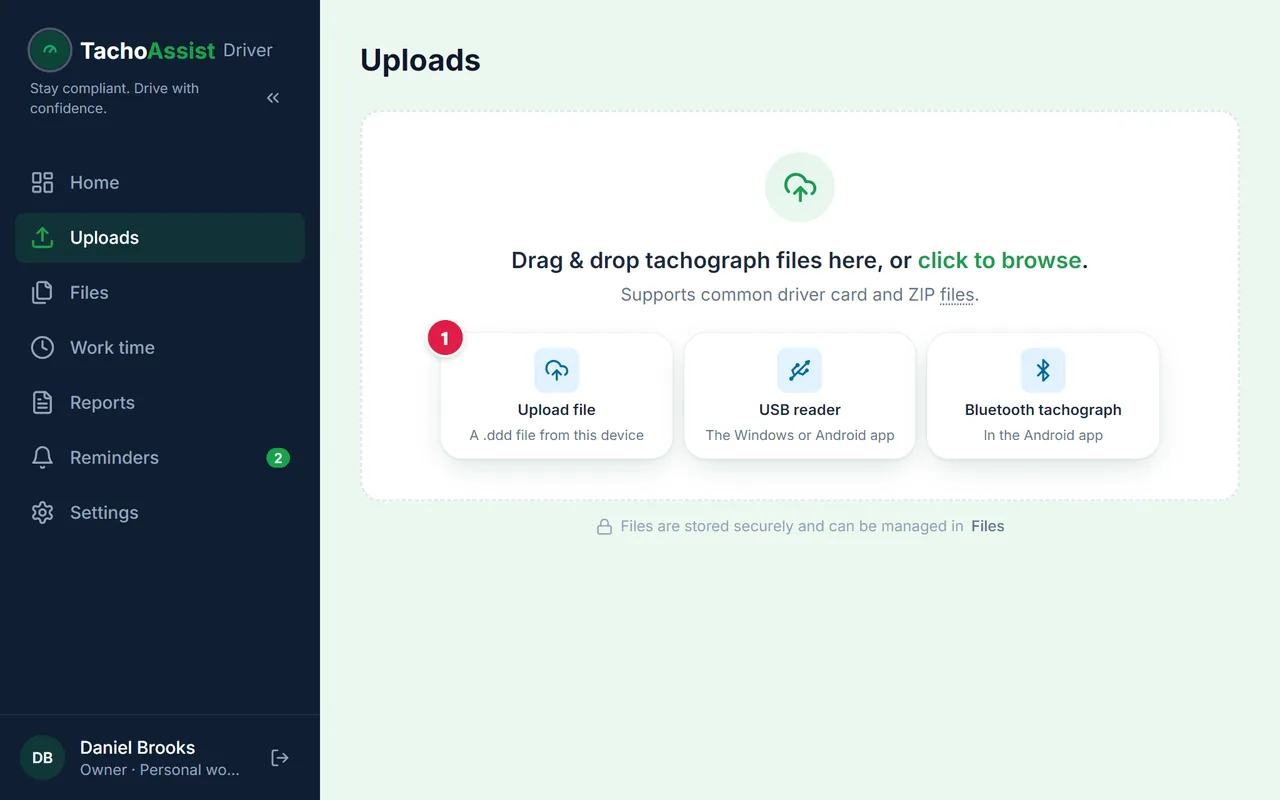
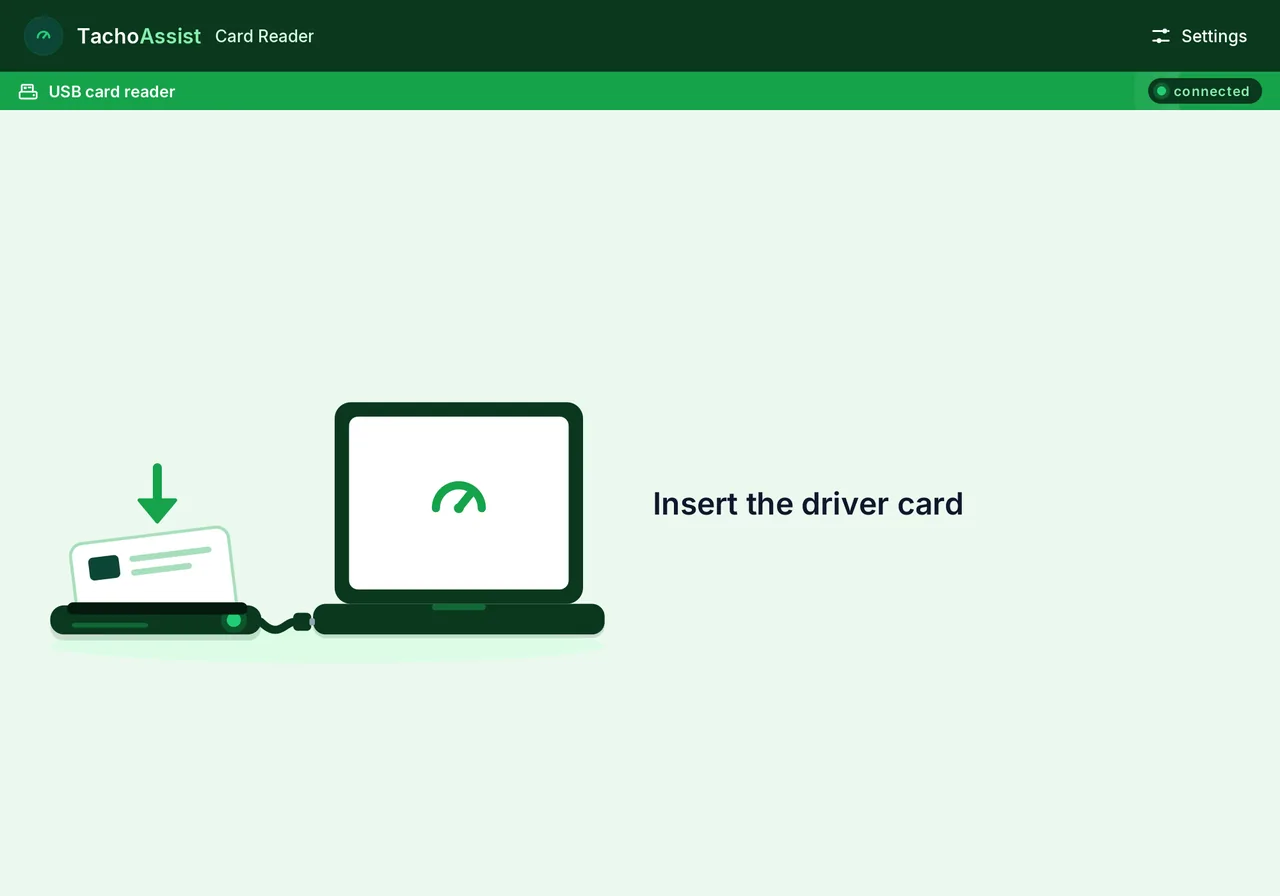
Install TachoAssist Card Reader from the Microsoft Store. Or download the ZIP: there is no installer, you unzip it and run the app.
2
Sign in
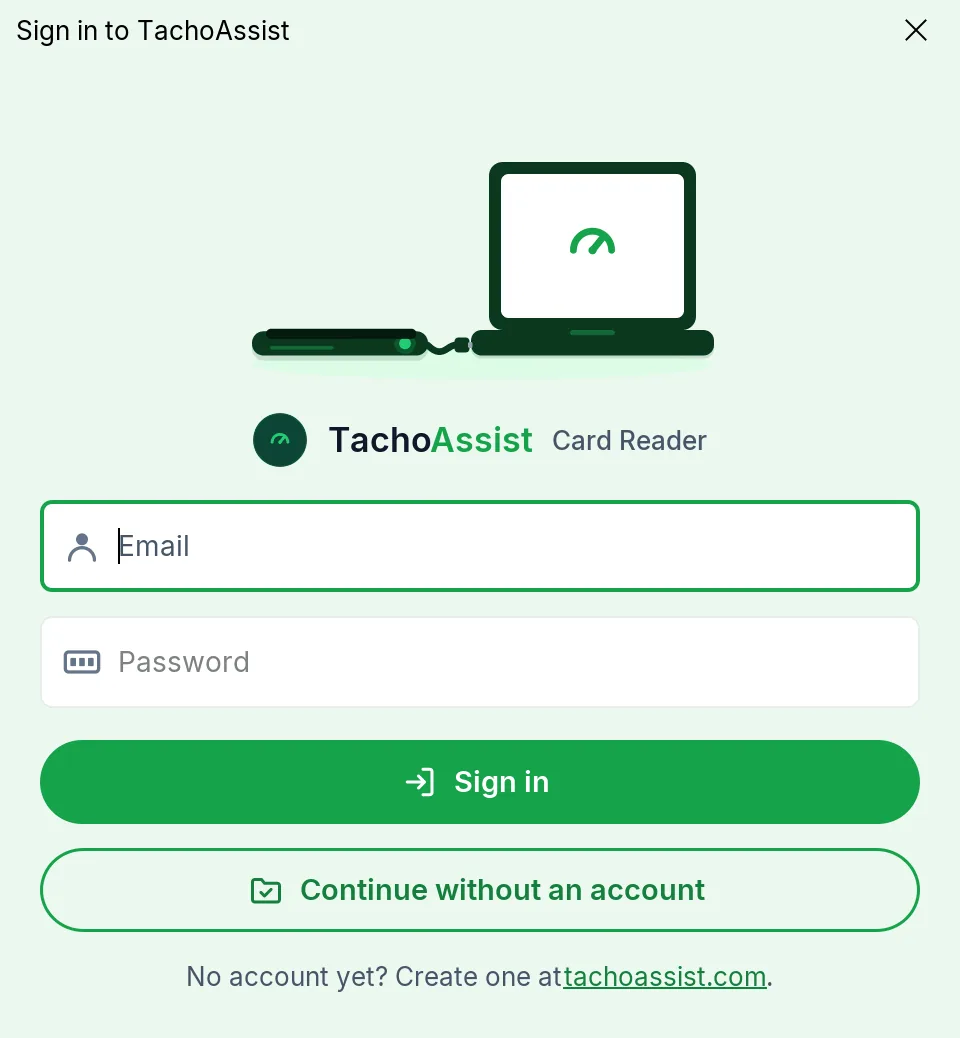
Sign in with the same account you use in the browser.
3
Insert the card
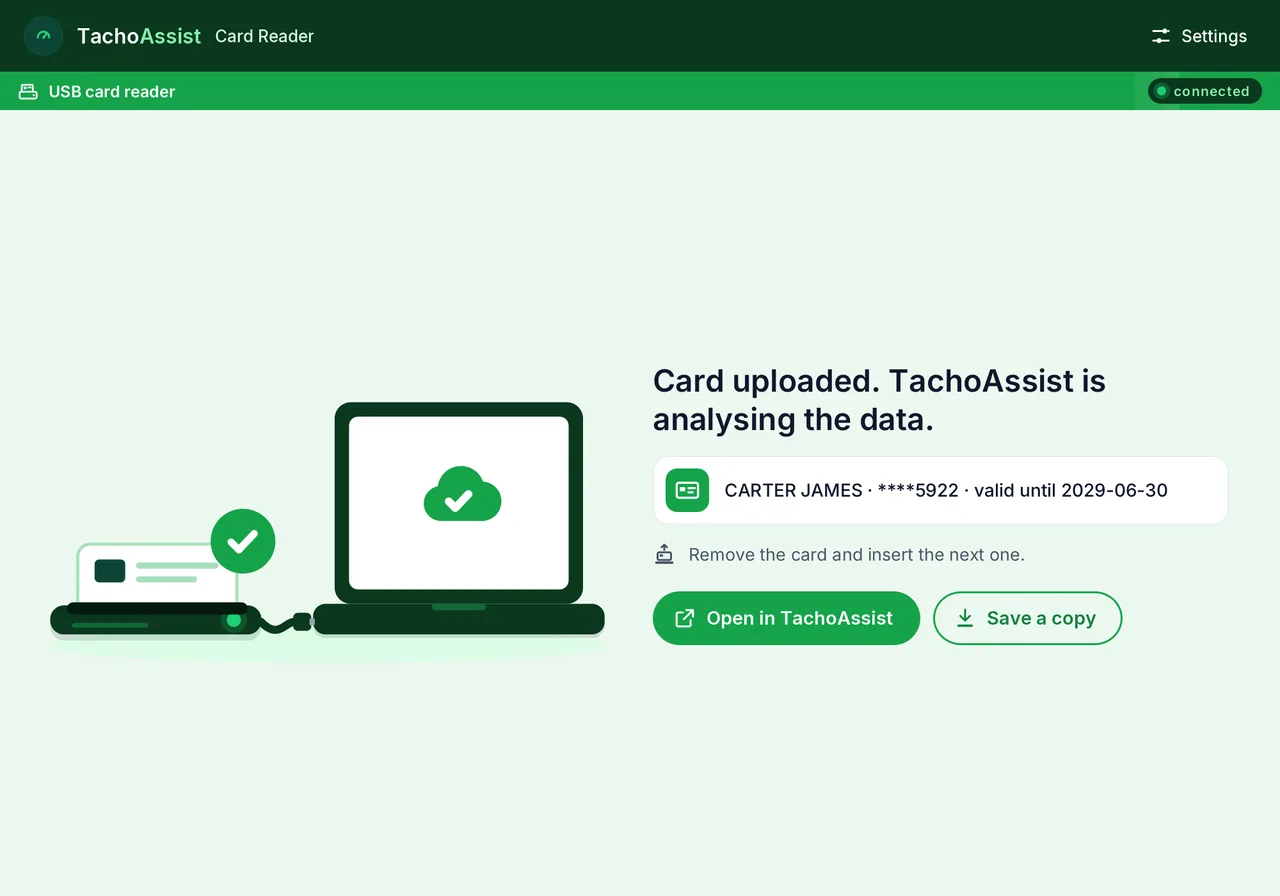
Plug in a USB smart-card reader and insert your driver card. Reading starts by itself.
4
The file is in your account
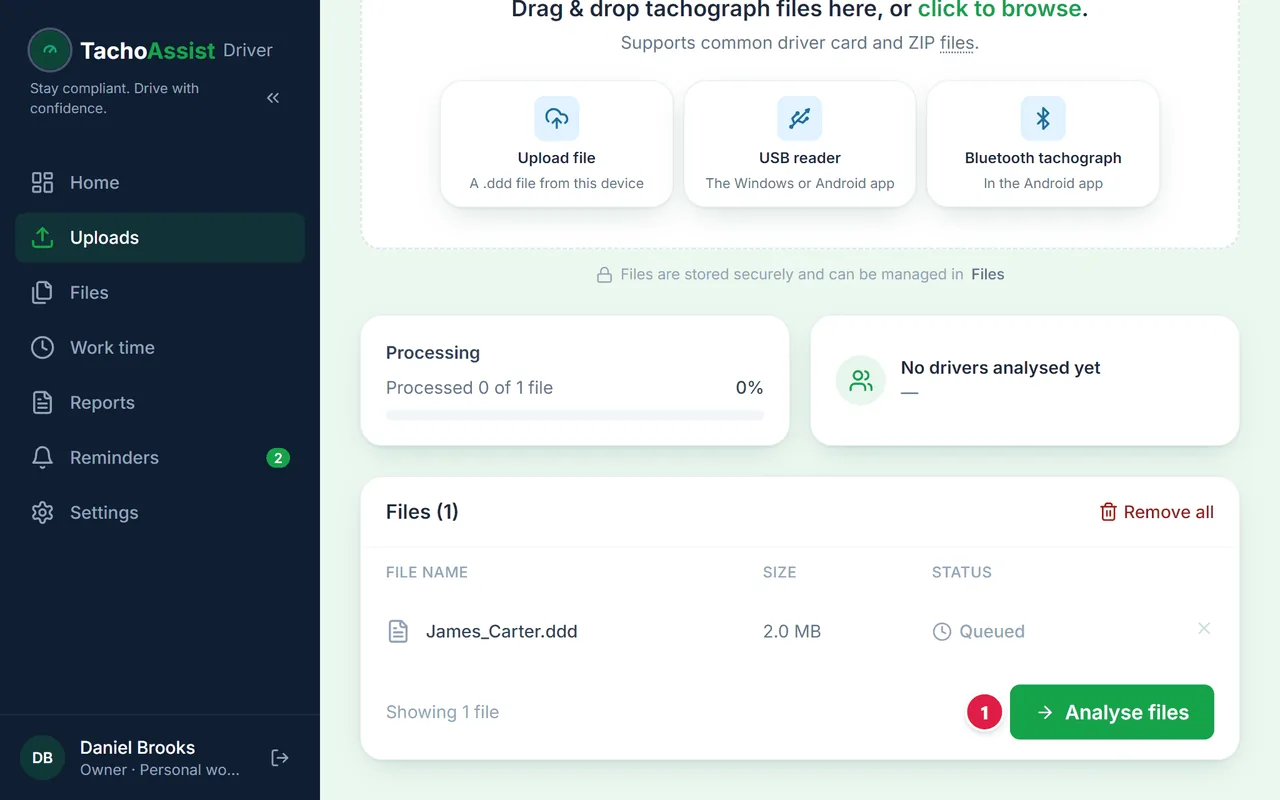
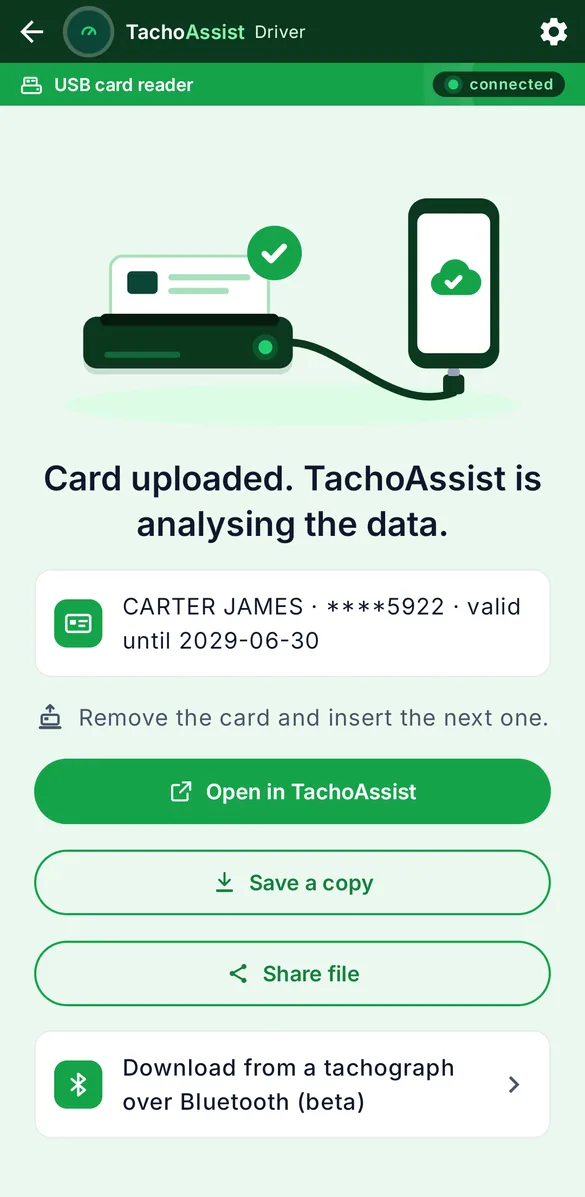
The file goes to TachoAssist on its own.
5
See the analysis
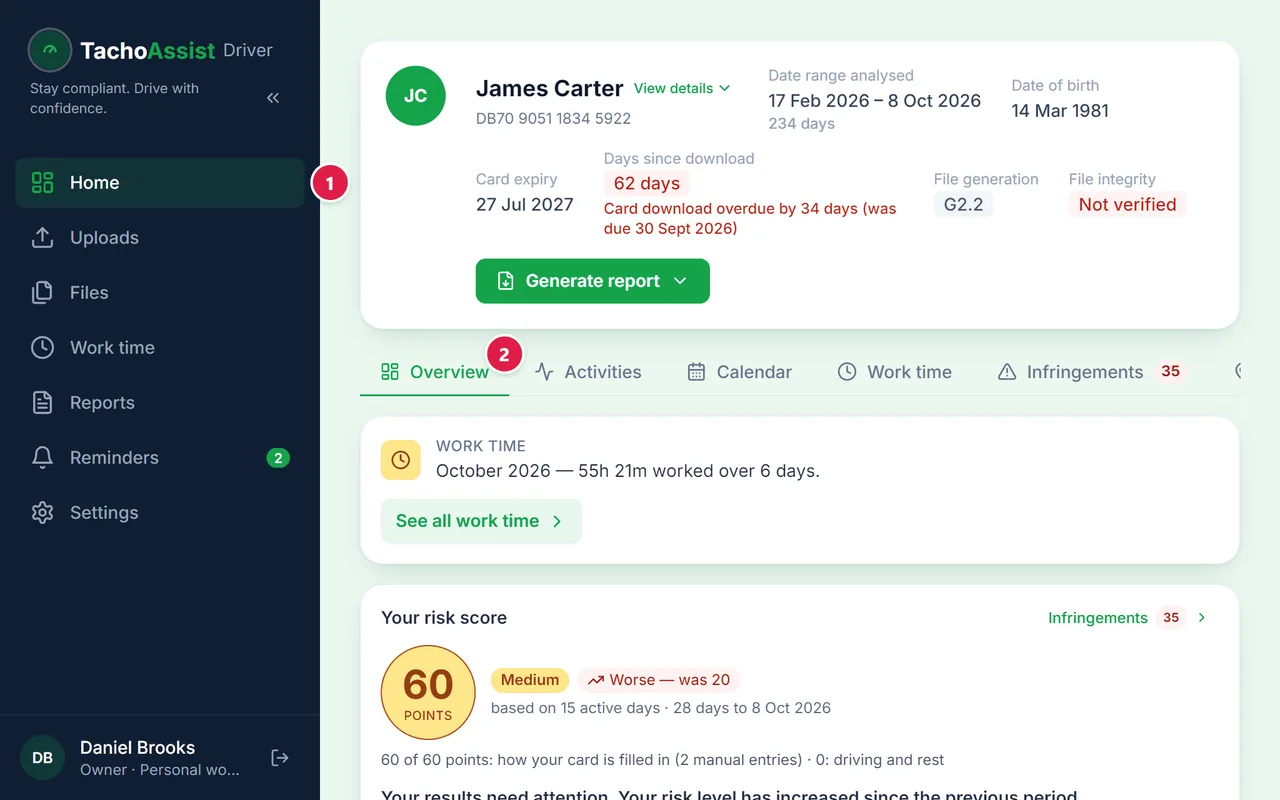
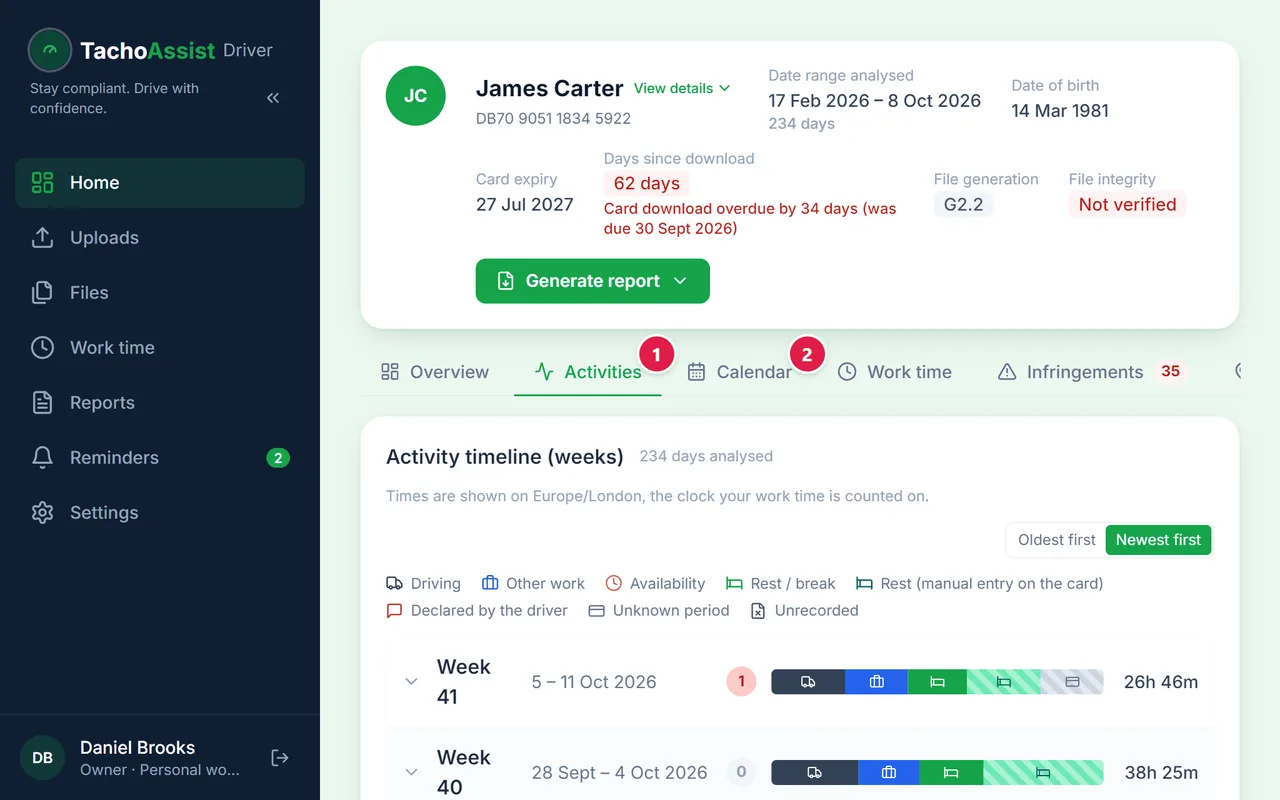
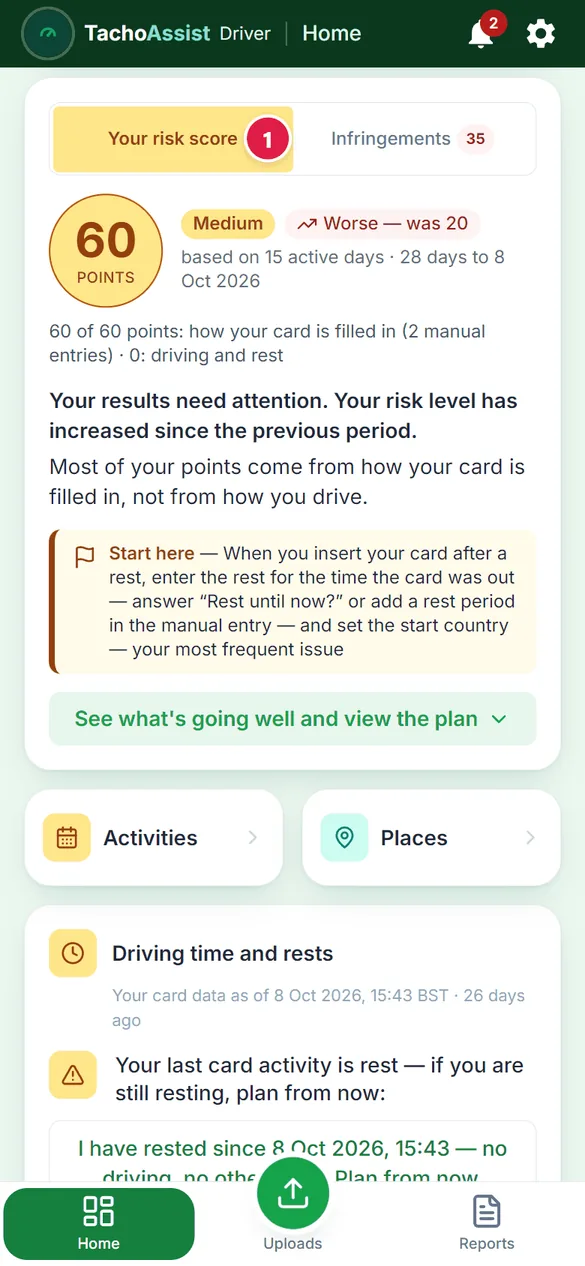
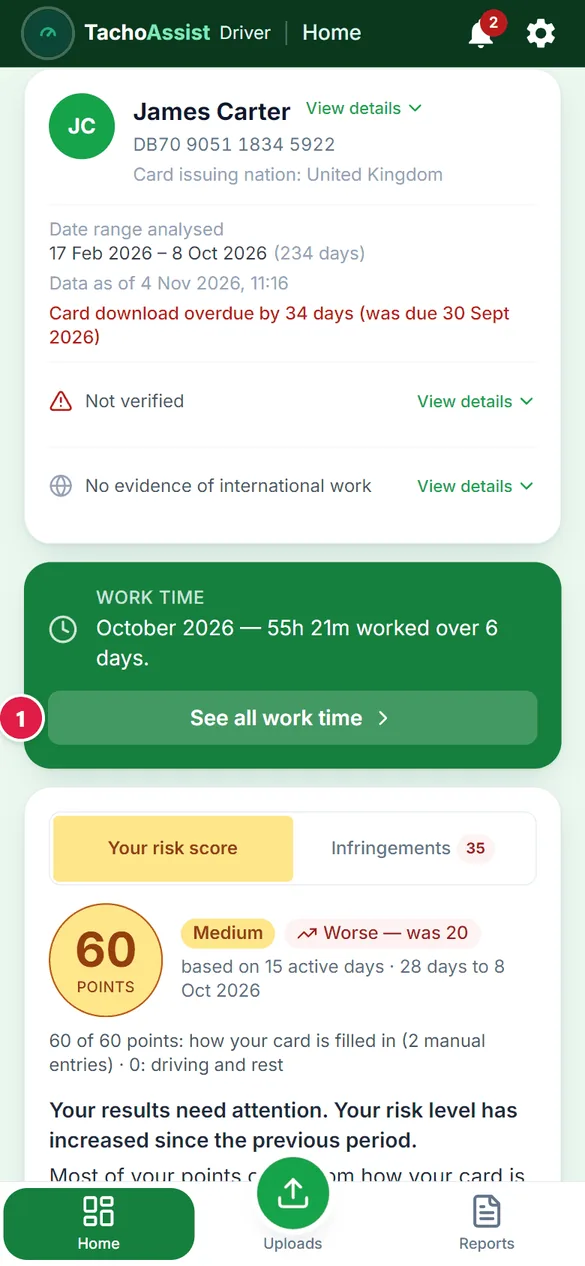
Your analysis is on Home.
3
The TachoAssist Driver app for Android
1
Install the app
Install TachoAssist Driver from Google Play.
2
Sign in
Sign in with this same account.
3
Read the card over USB
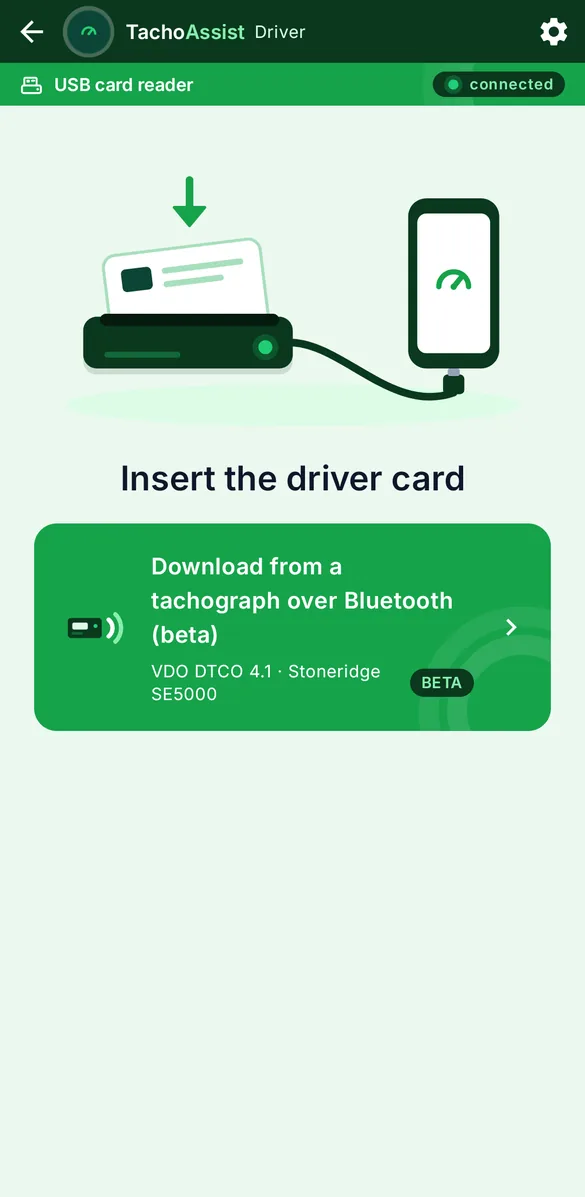
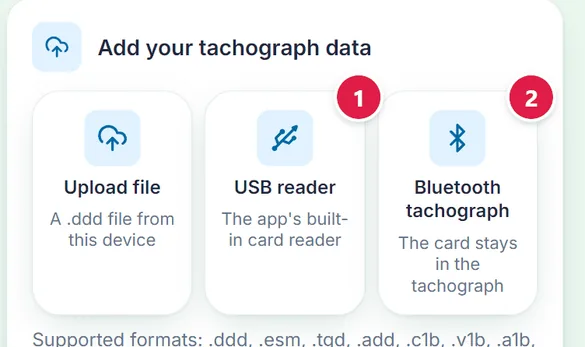
The app has a card reader built in: connect a USB reader to the phone and insert the card.
4
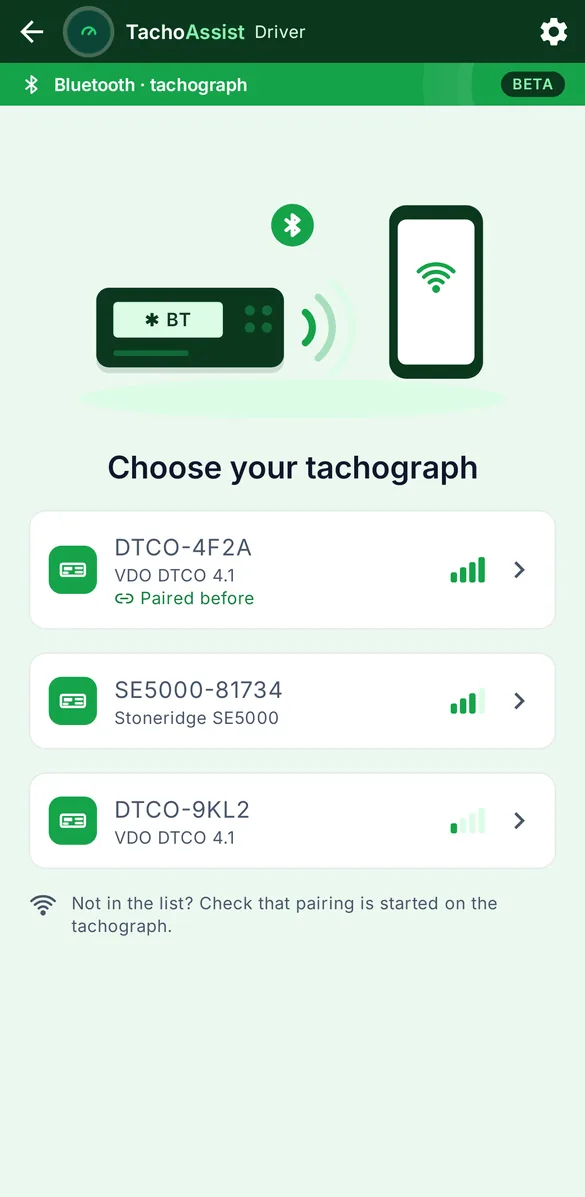
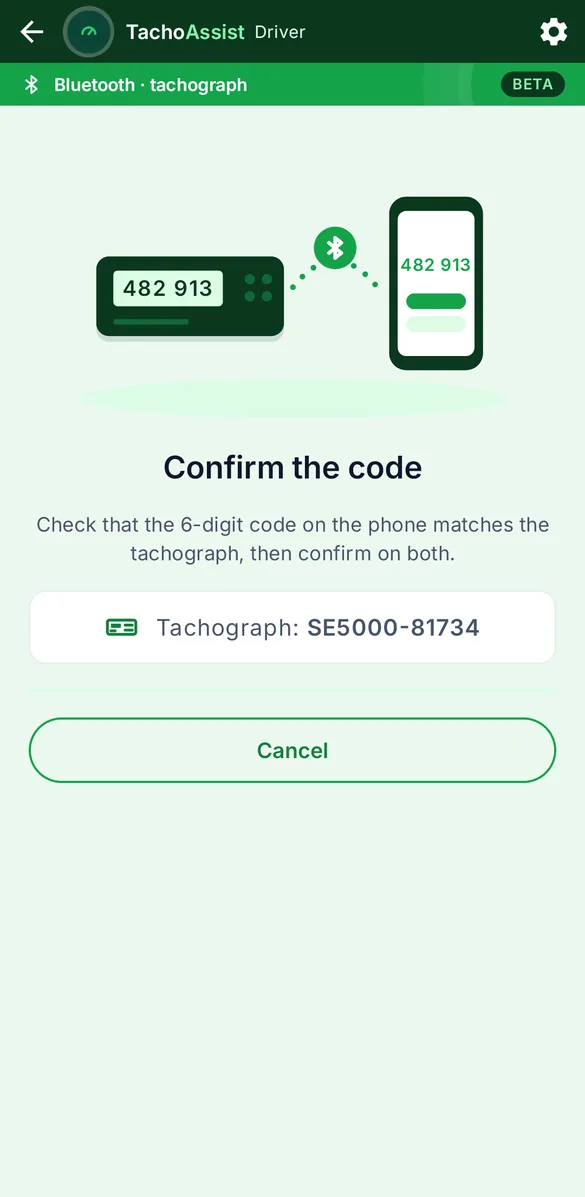
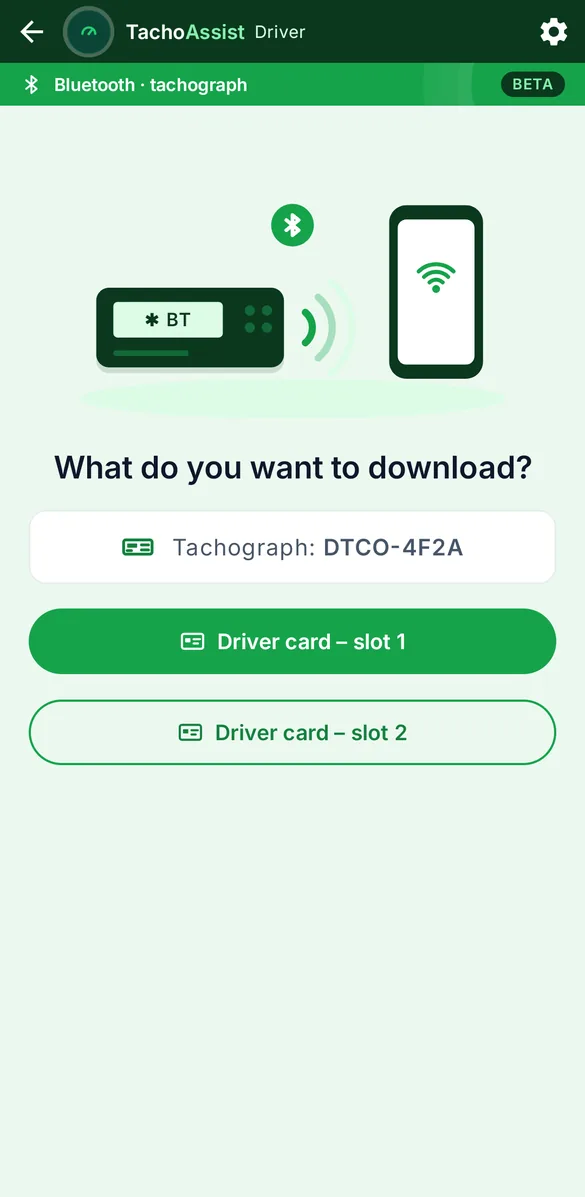
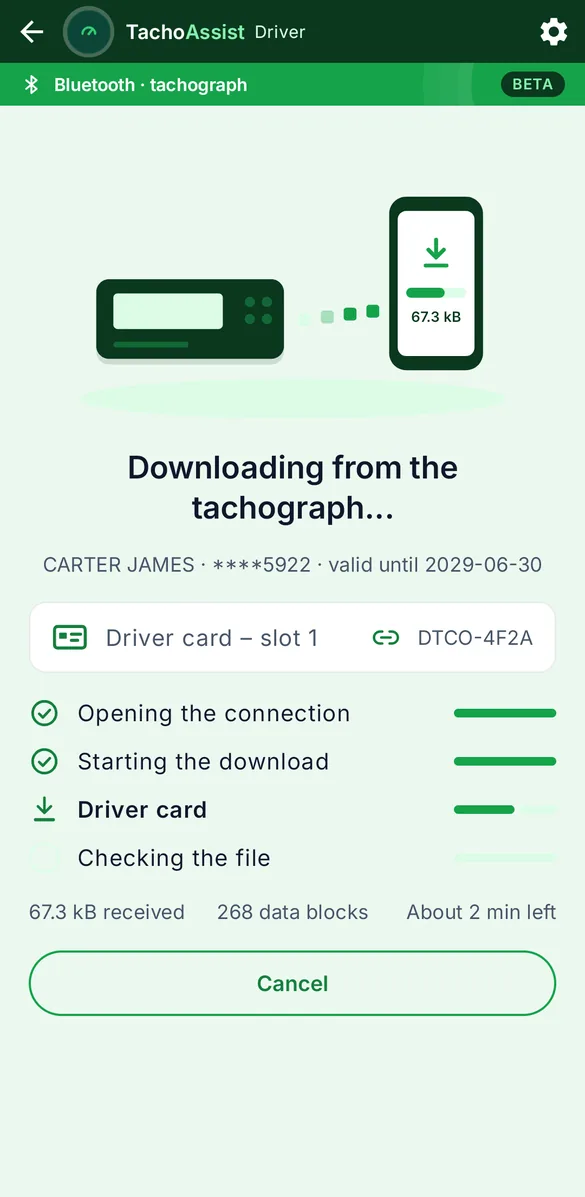
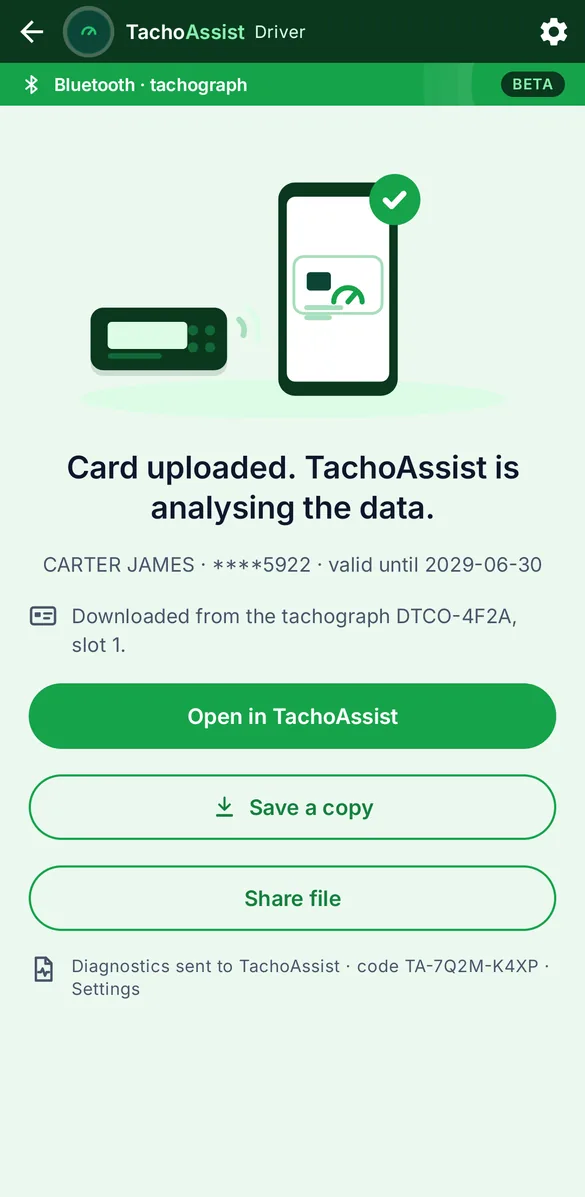
Or over Bluetooth (beta)
Download the card straight from the tachograph — the card stays in it.
Everything you upload in the app shows up here as well.
4
Your analysis
1
Overview
The summary of your card: what was found and the key figures.
2
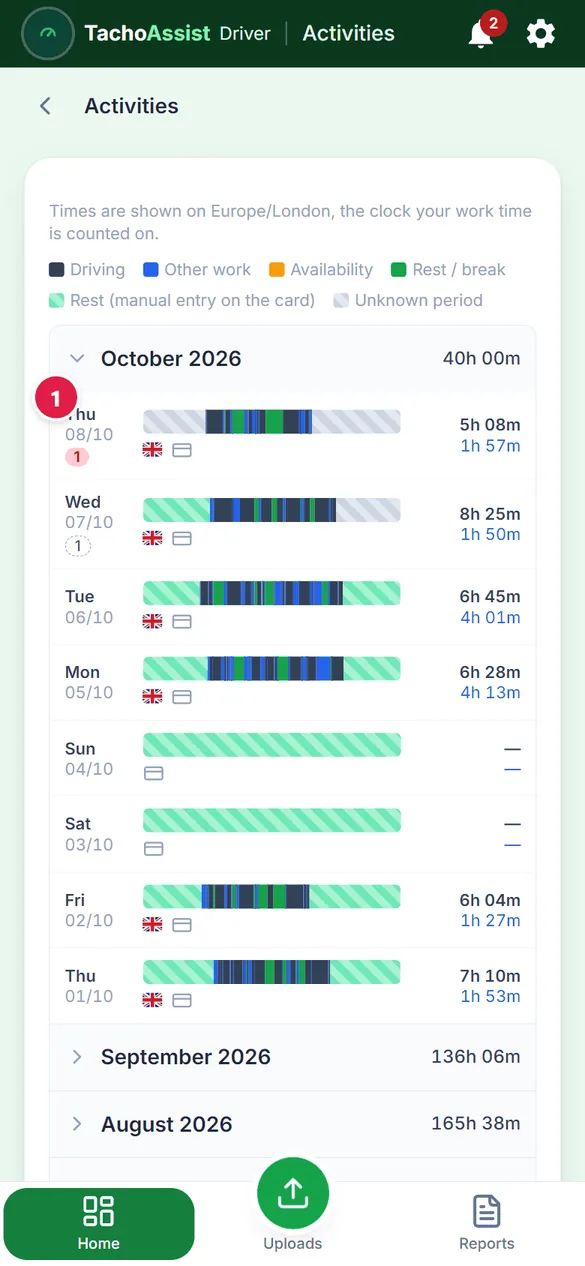
Day by day
Your card’s activities on a timeline and in a calendar.
3
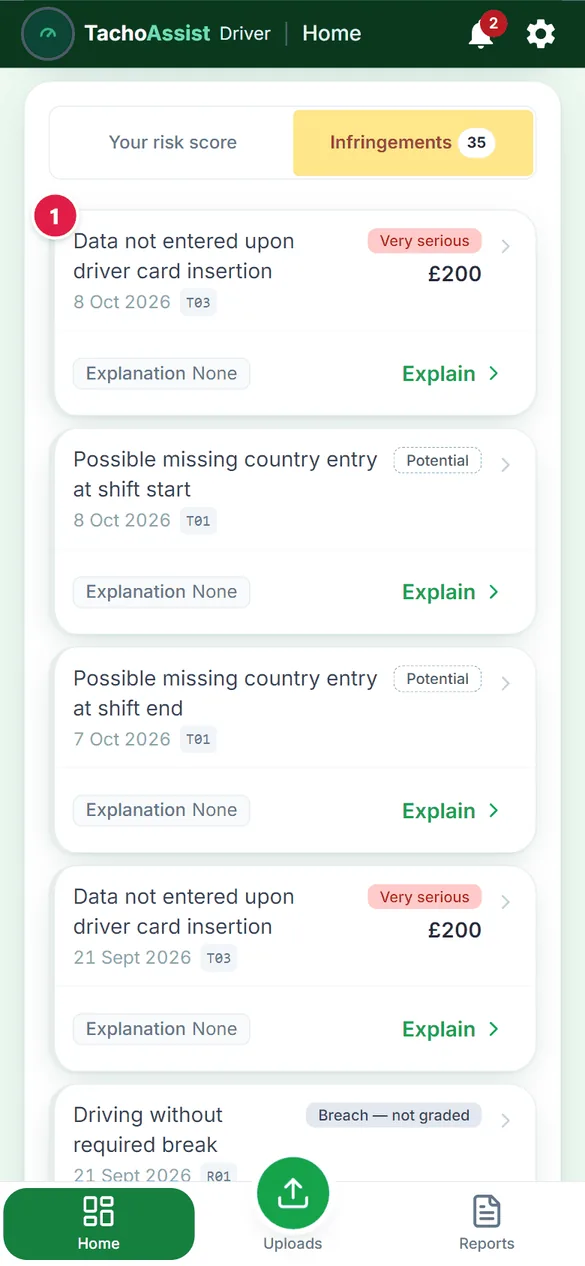
Infringements
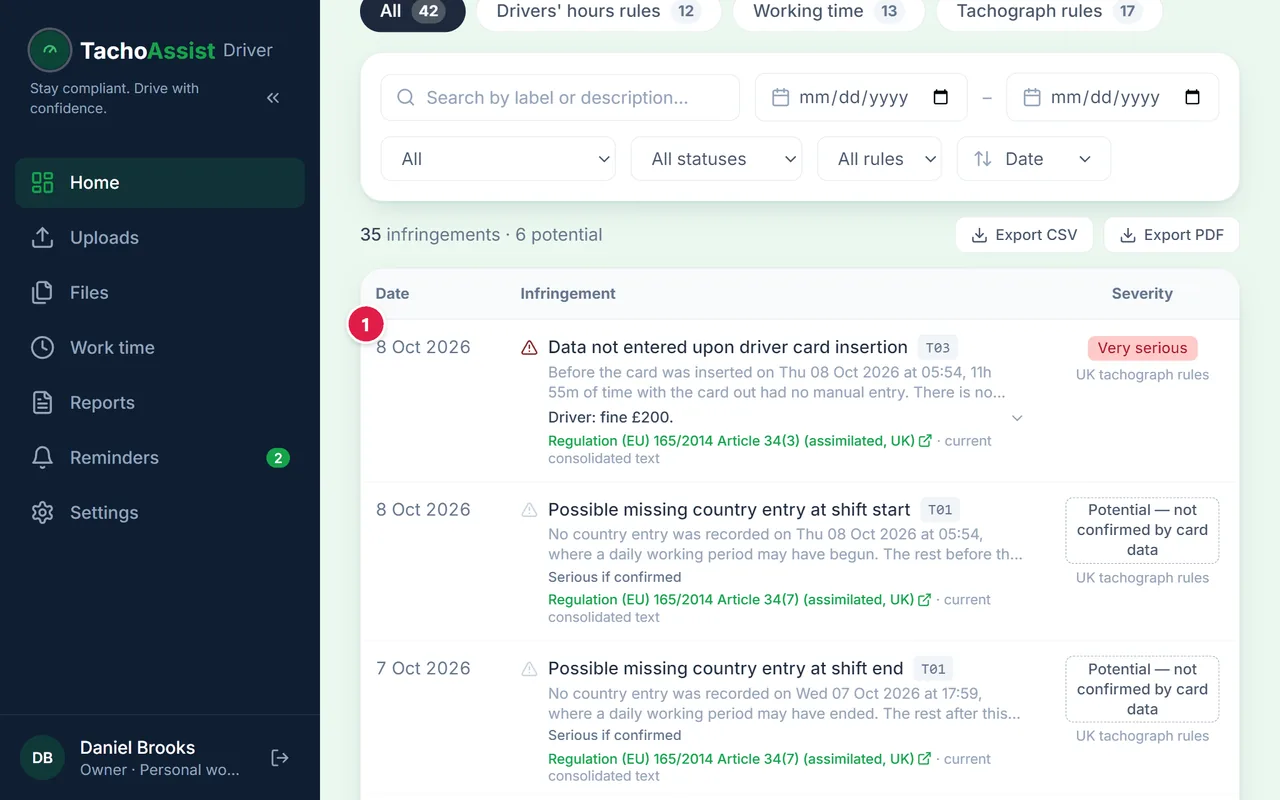
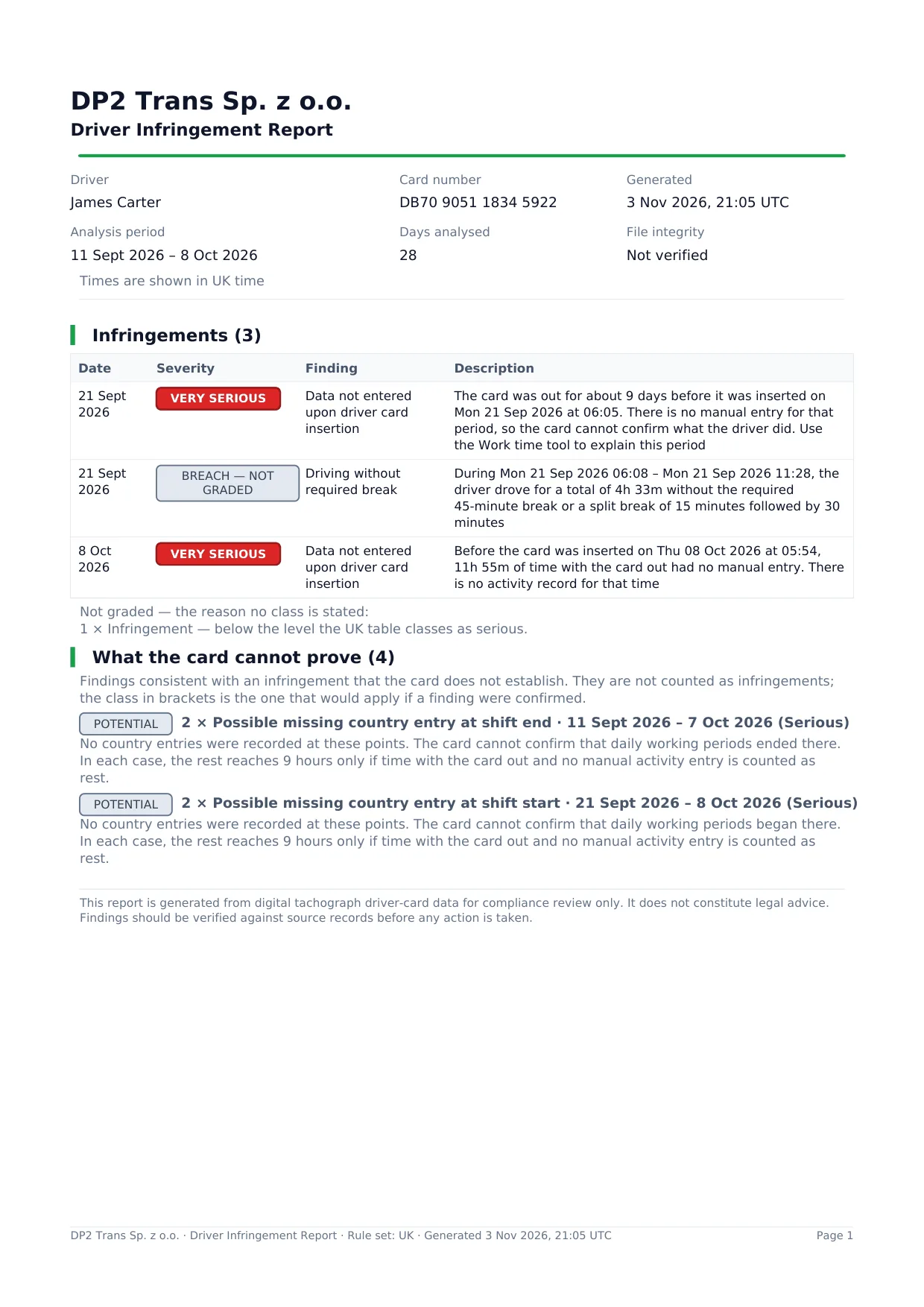
Each infringement with its rule, its date and an explanation.
5
Infringement report
1
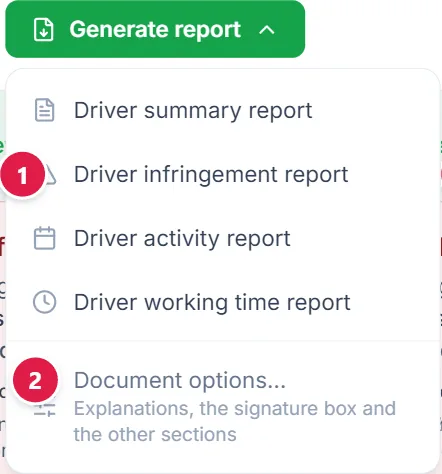
Open the report menu
The menu is at the top of Home.
2
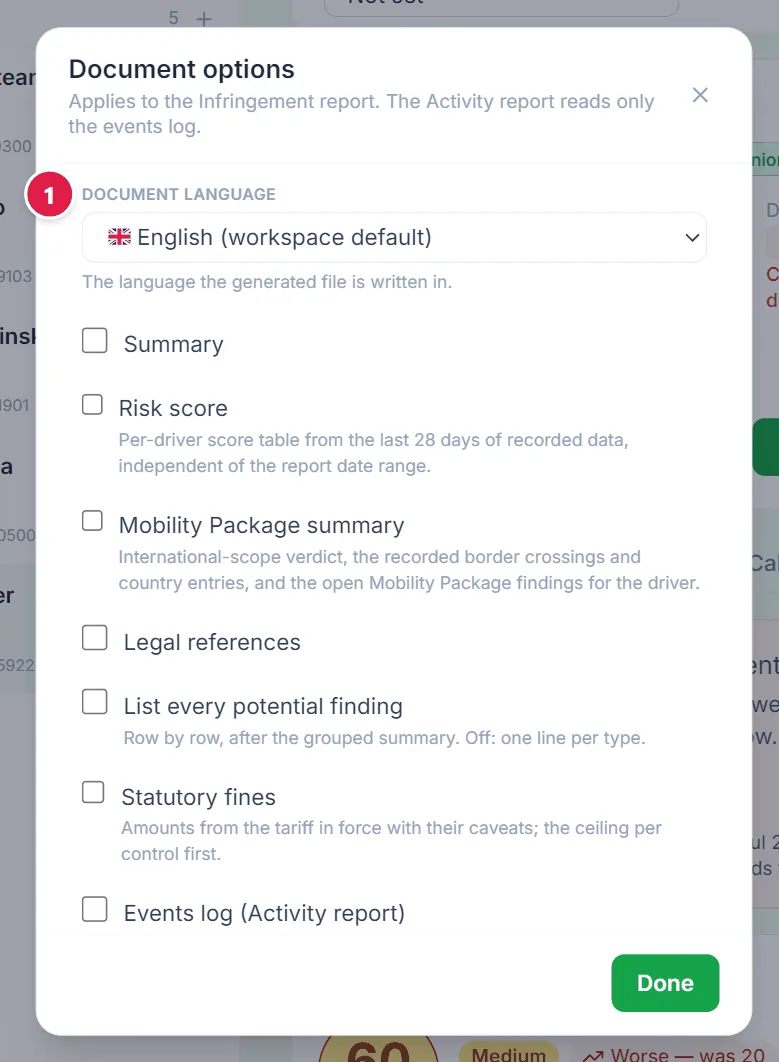
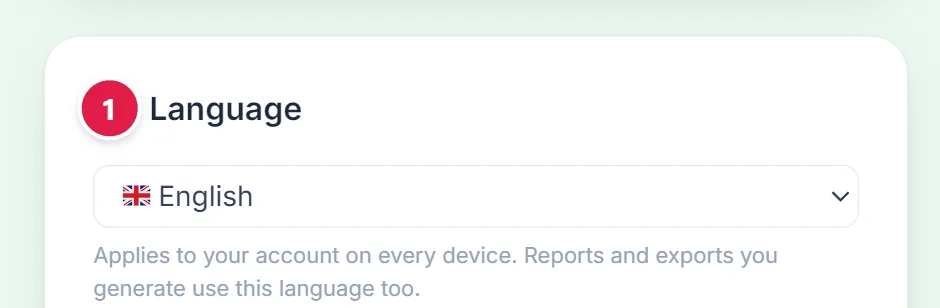
Language and sections (optional)
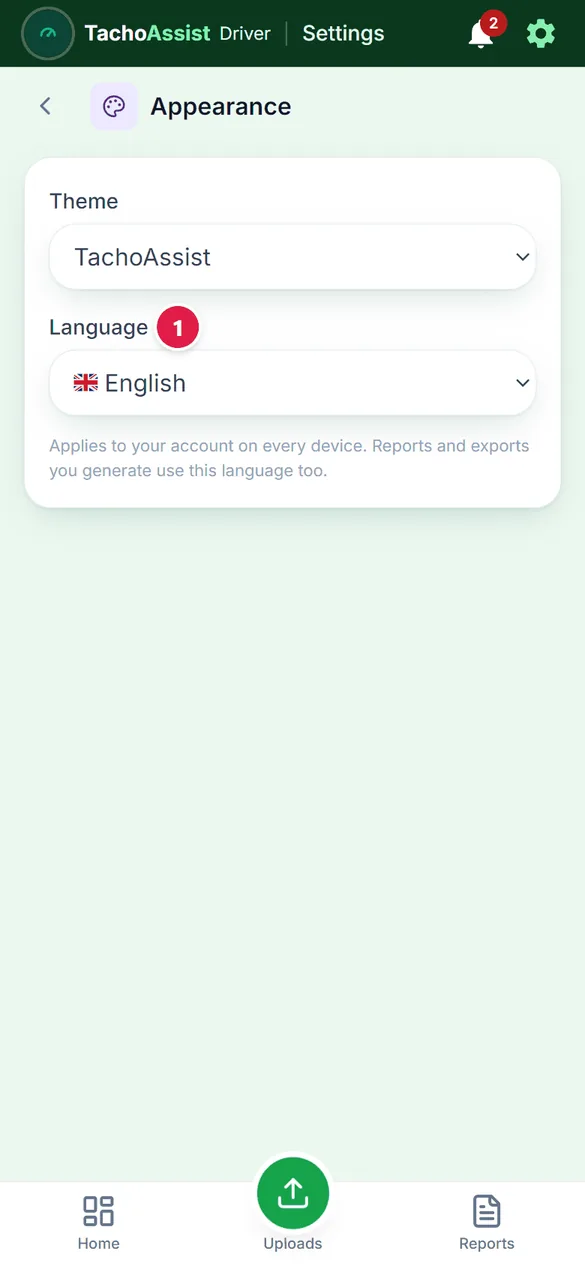
Choose the document language for every report from this menu, and the extra sections of the infringement report.
3
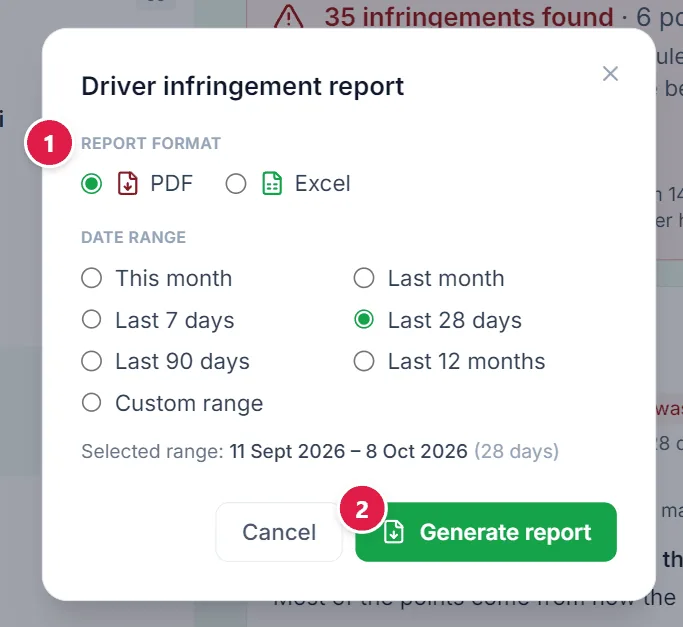
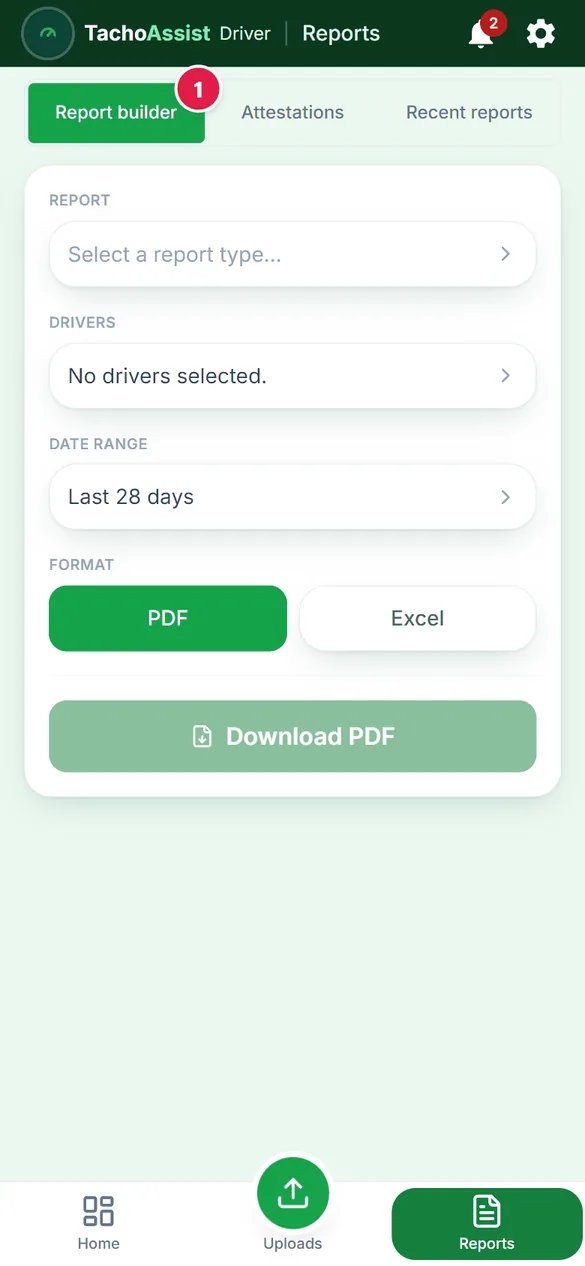
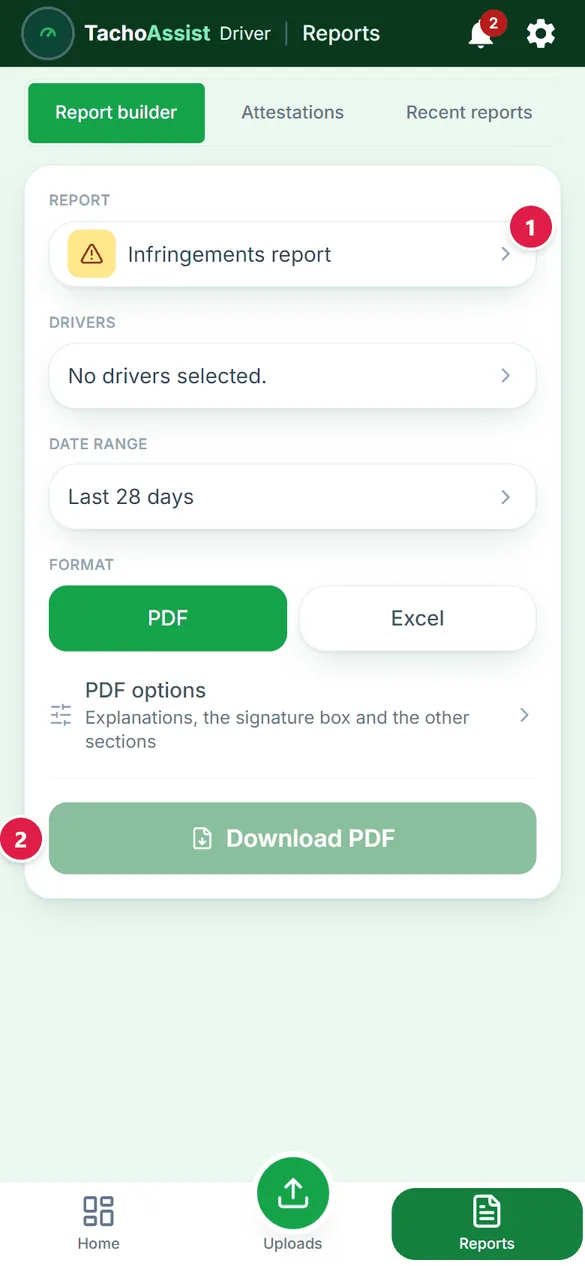
Choose the report
Pick the report, then PDF or Excel and the period.
4
Generate
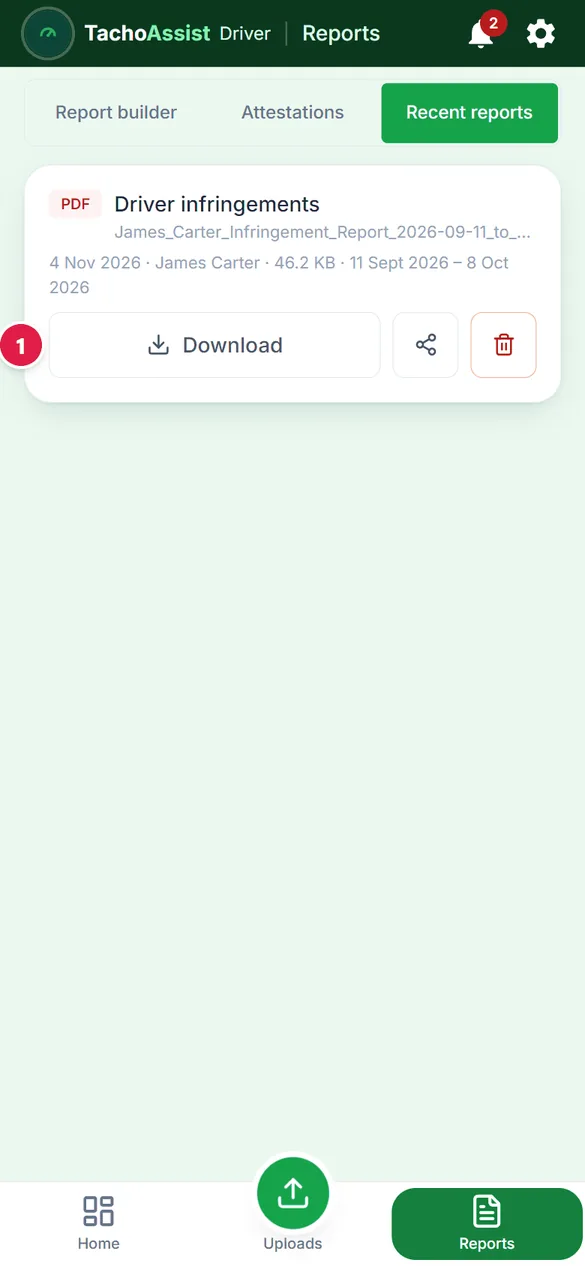
The document is also kept in Recent reports.
The activity, summary and working time reports work the same way; the activity report can add “Time by country and activity log”. For any period, use Reports.
6
Fill in your work time
1
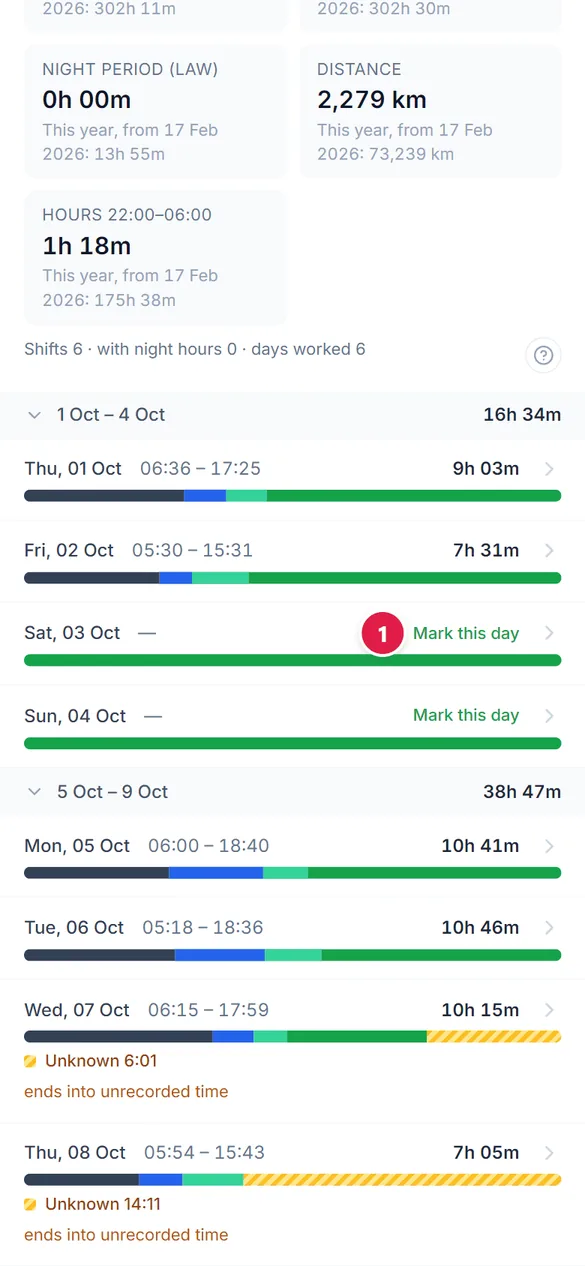
Find the empty day
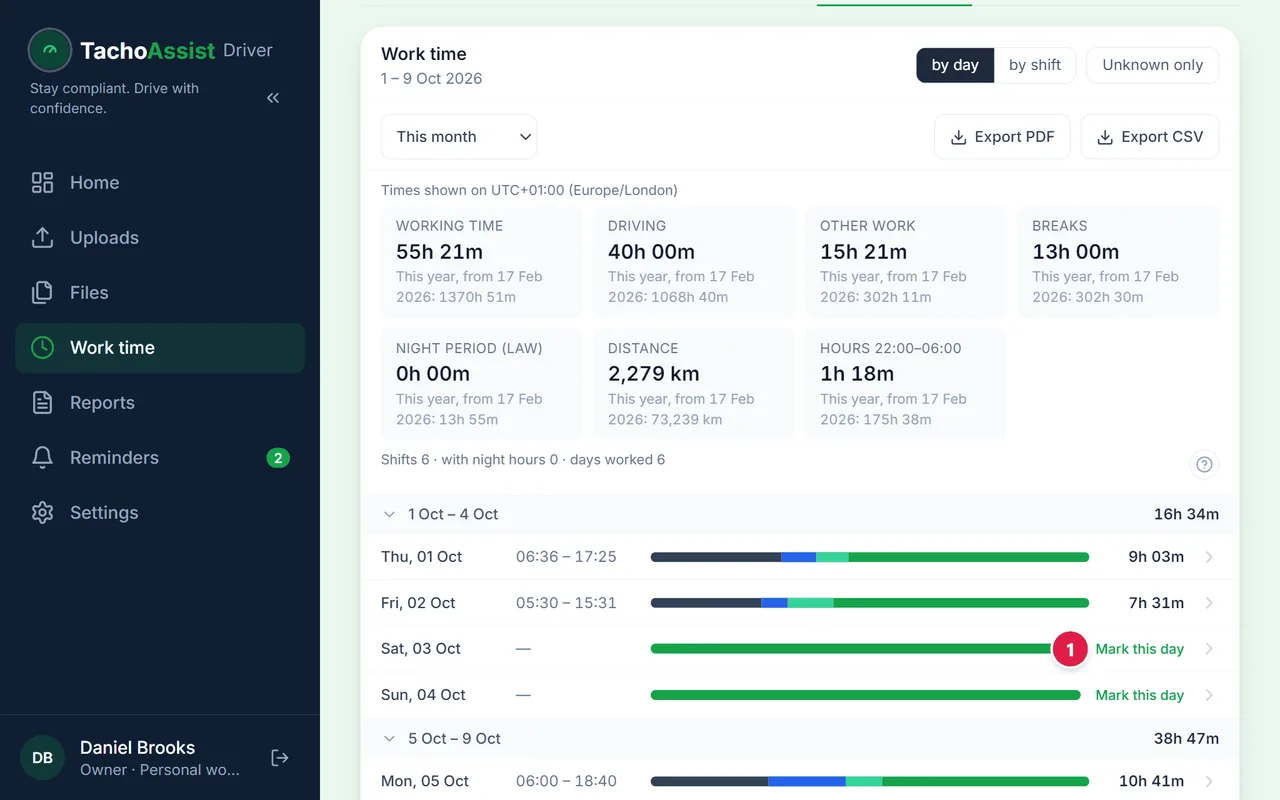
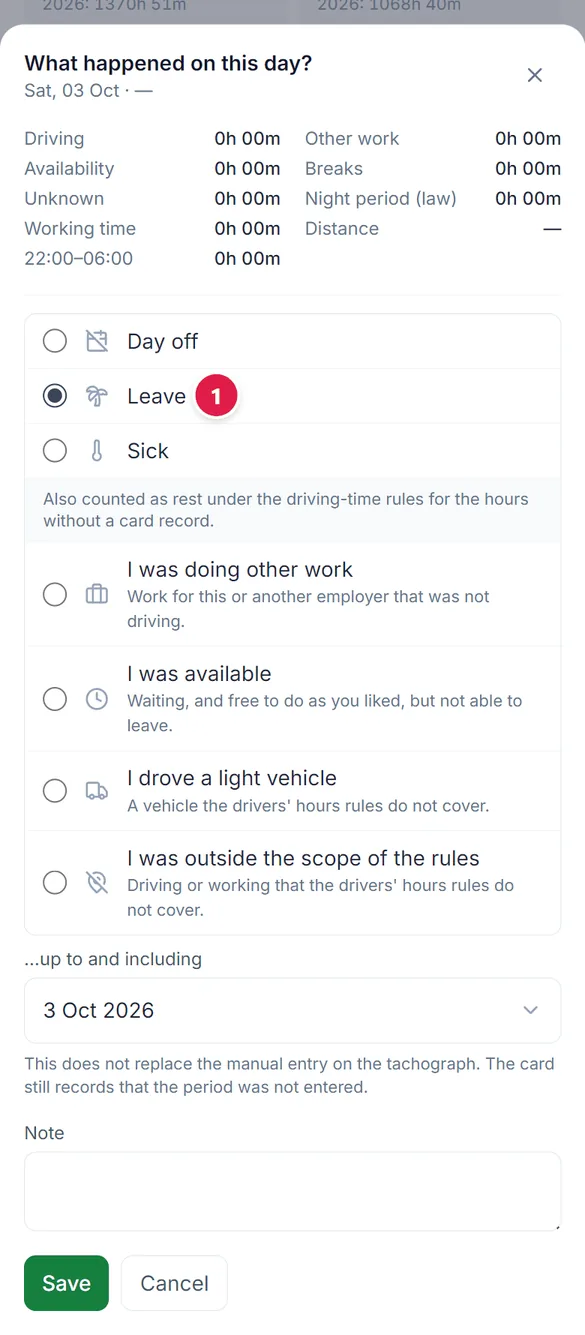
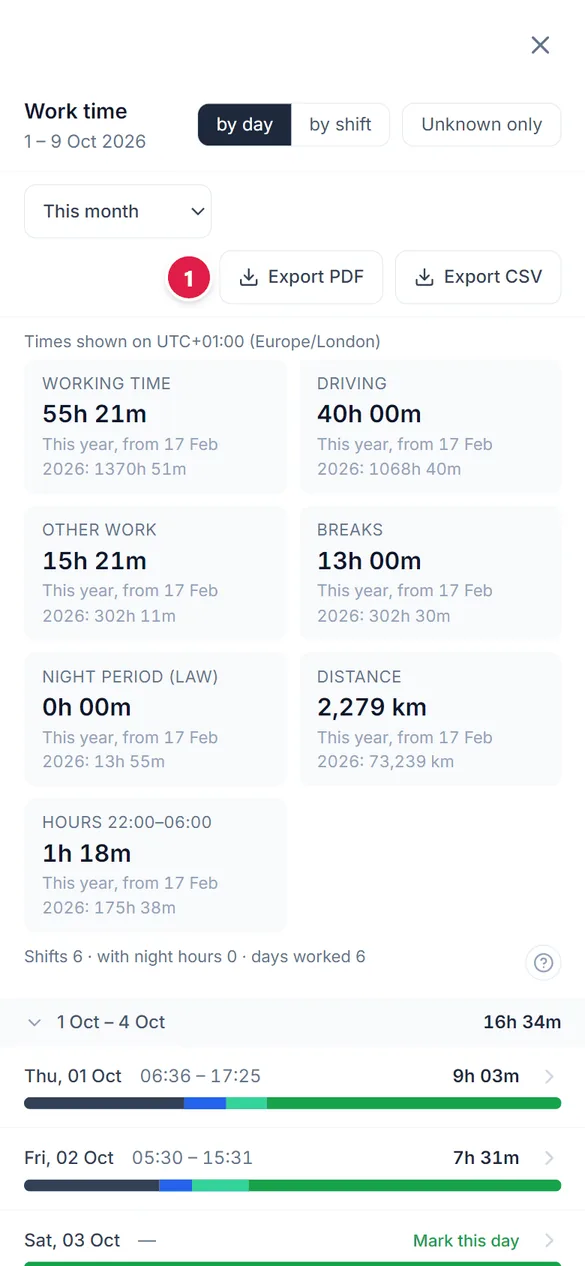
A day with nothing on your card says “Mark this day”. Click it.
2
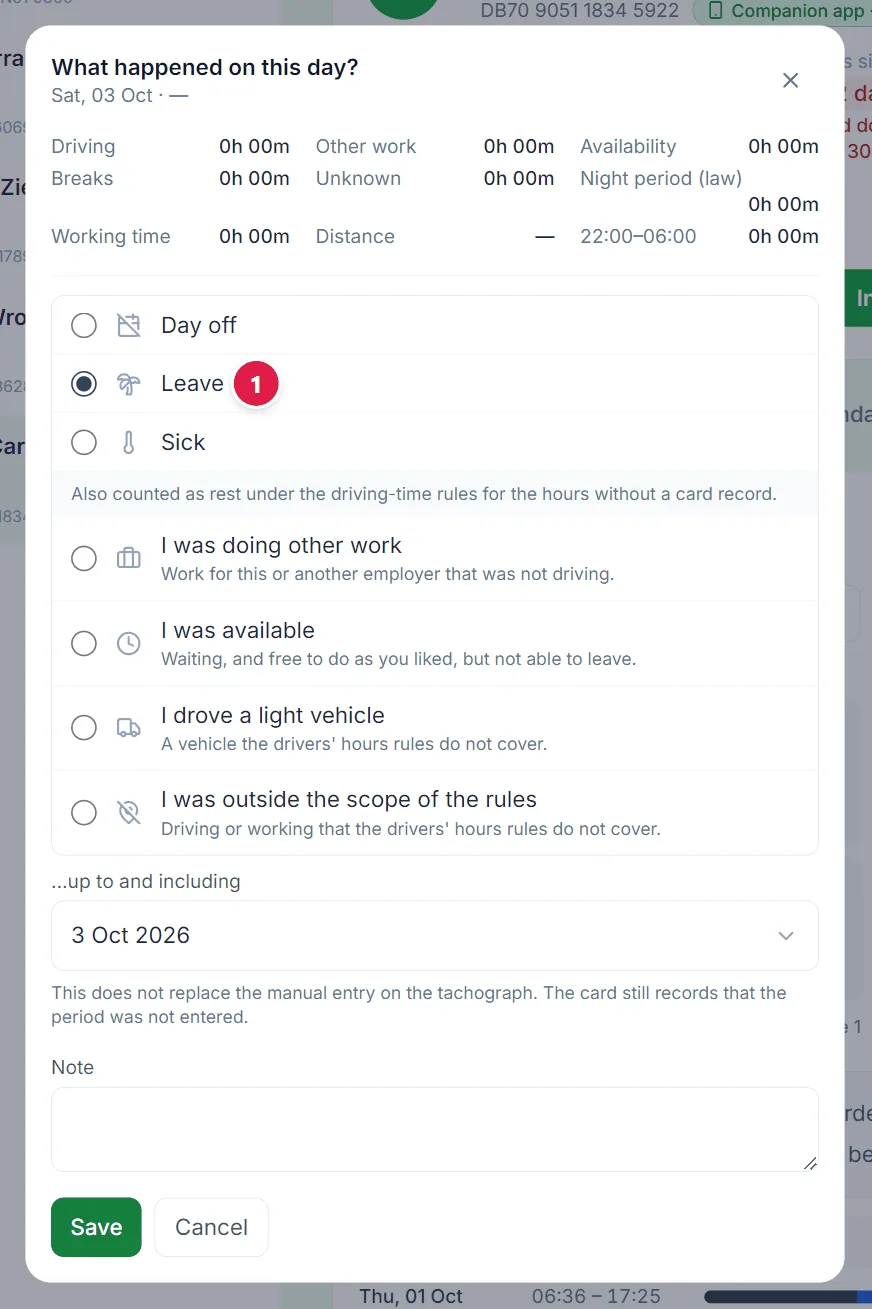
Say what it was
Pick Day off, Leave or Sick, then Save.
3
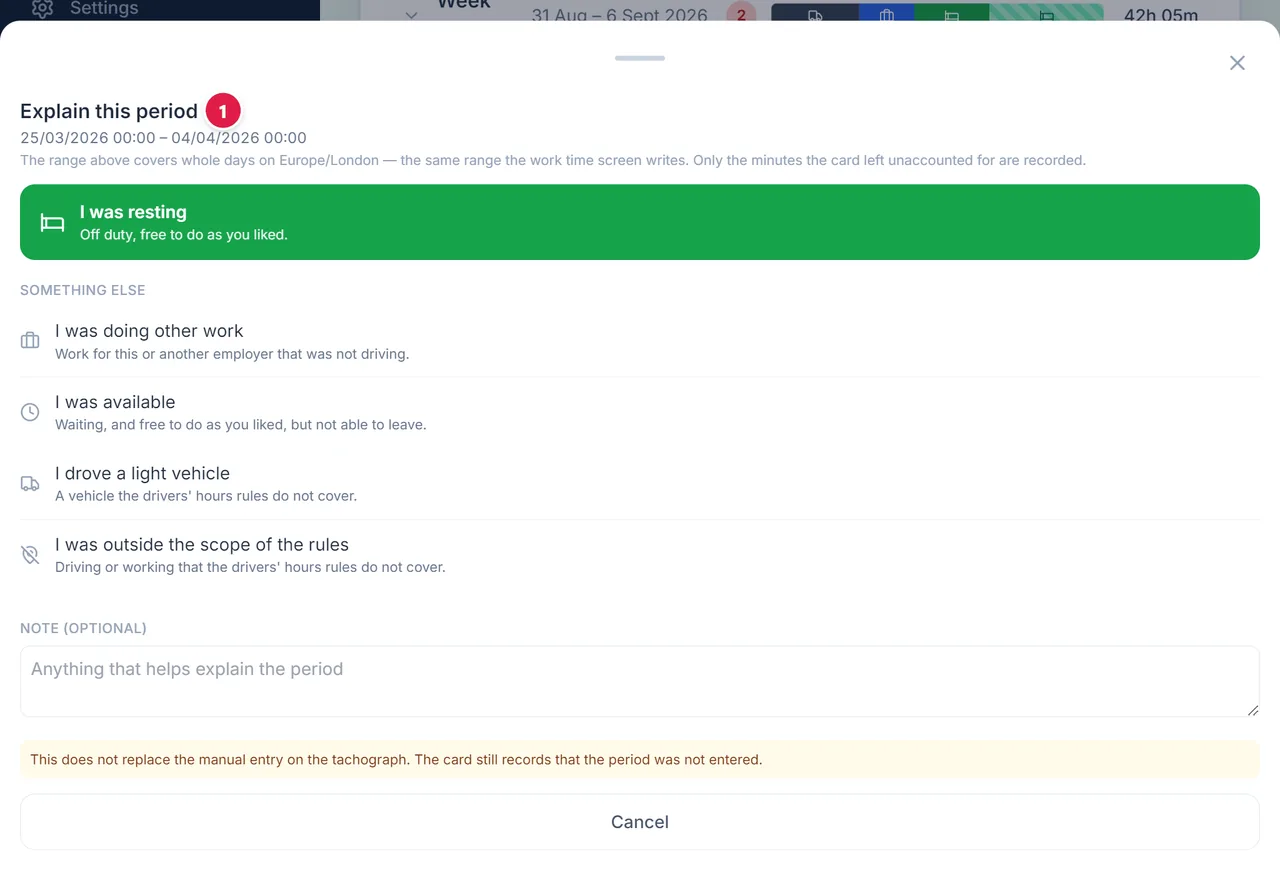
Explain unknown time
For time the card could not see, say whether you were resting, doing other work or available.
4
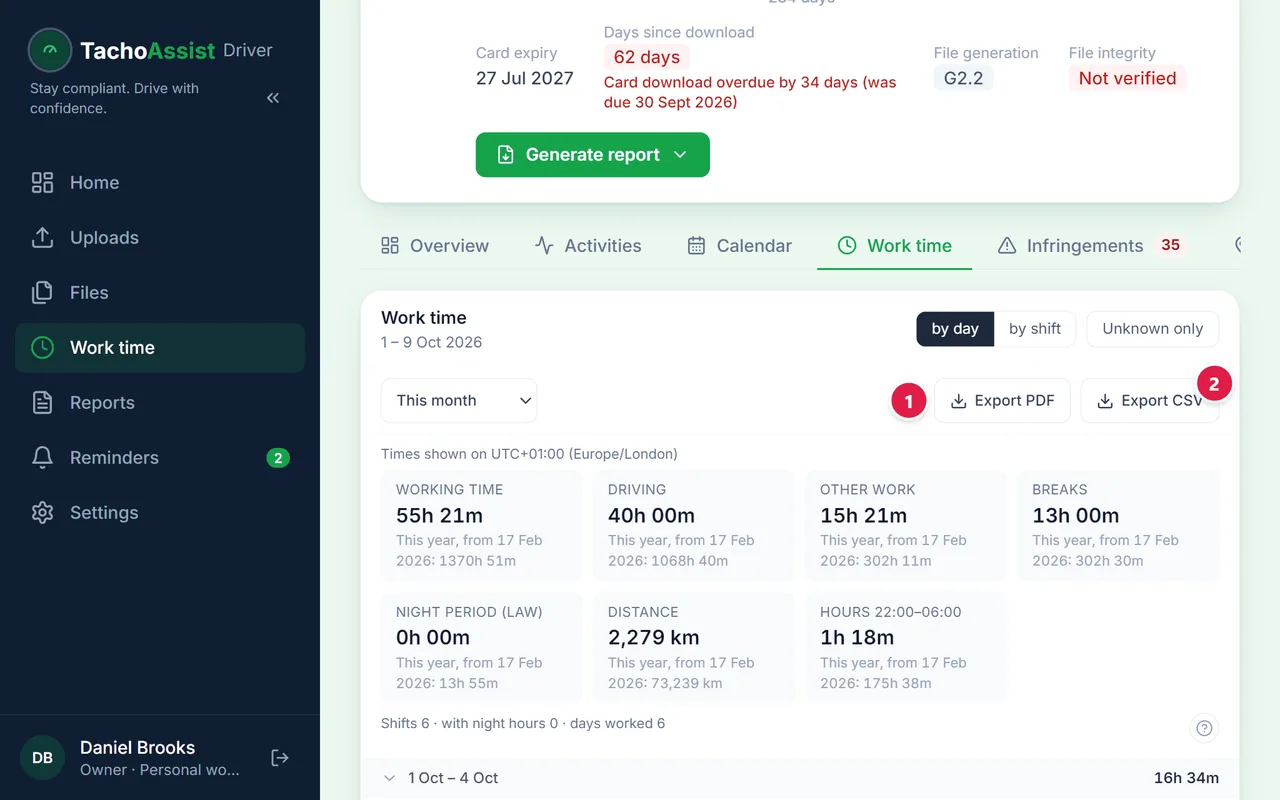
Export
Export the period as a PDF or a CSV file.
5
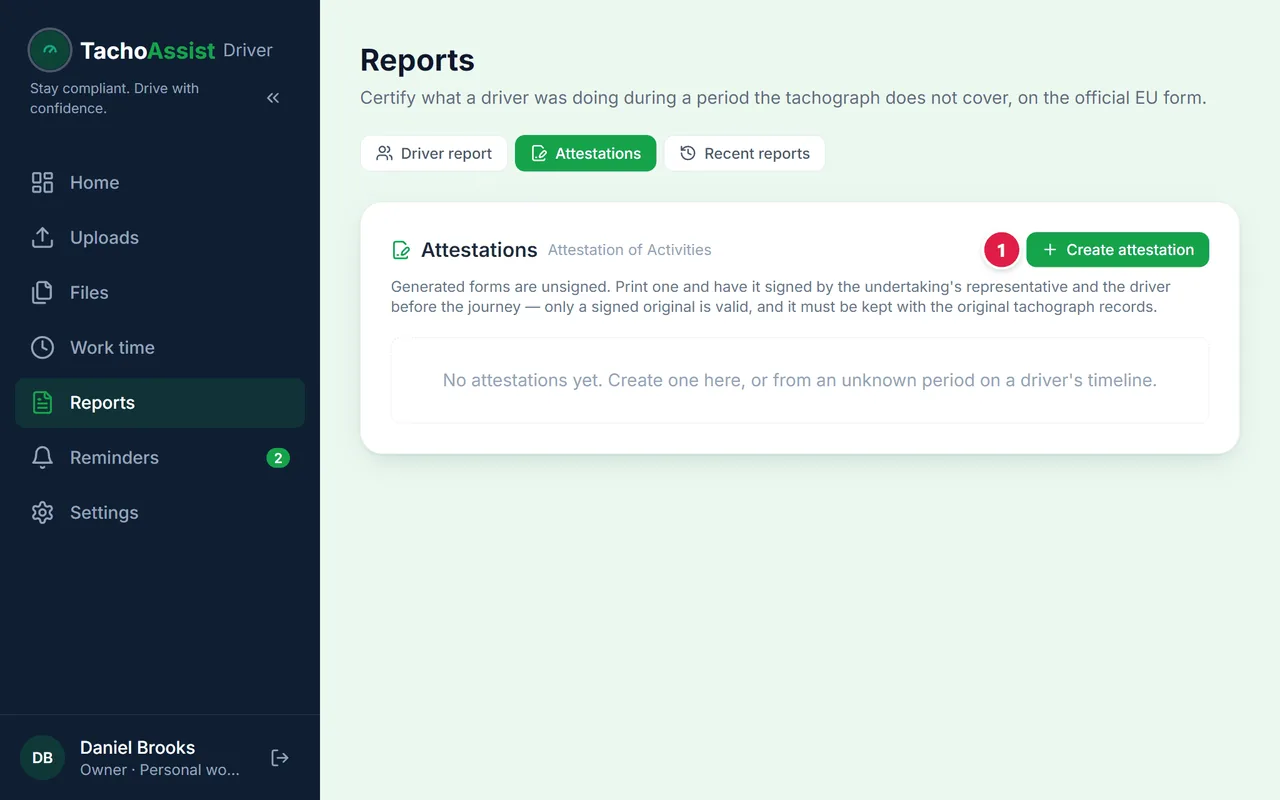
Attestation of activities
For a period with no card data, create the attestation and hand it to your employer.
7
Your plan and settings
1
Your plan
Your plan and when the trial ends. Subscribe or change the plan here.